

The Language Services Blog | News & Information

Accessibility
Section 508 Compliance for E-Learning: What Government and Enterprise Training Teams Need to Know
A training course can look polished and still lock out part of its audience. For example, a learner who uses a keyboard, a screen reader, or captions may hit a wall in the first lesson. Section 508 compliance for e-learning is about removing those walls before the course launches. This guide covers who Section 508 applies to and the requirements that matter most in a course. It also shows how to audit one before launch. It is written for government and enterprise training teams, and it is general information, not legal advice. Section 508 compliance for e-learning starts with testing the course as a learner would use it. What Section 508 Means for E-Learning Section 508 requires US federal agencies to make their electronic and information technology accessible. Employees and members of the public with disabilities must get access comparable to everyone else's. As a result, online courses that an agency develops or buys fall within its scope. Key facts The current standards took effect on January 18, 2018, and align with WCAG 2.0. Its technical standards incorporate WCAG 2.0 Level AA for web and other electronic content. Federal acquisition rules require agencies to build these standards into their purchase…
October 22, 2026
Our Recent
Blogs
Localization
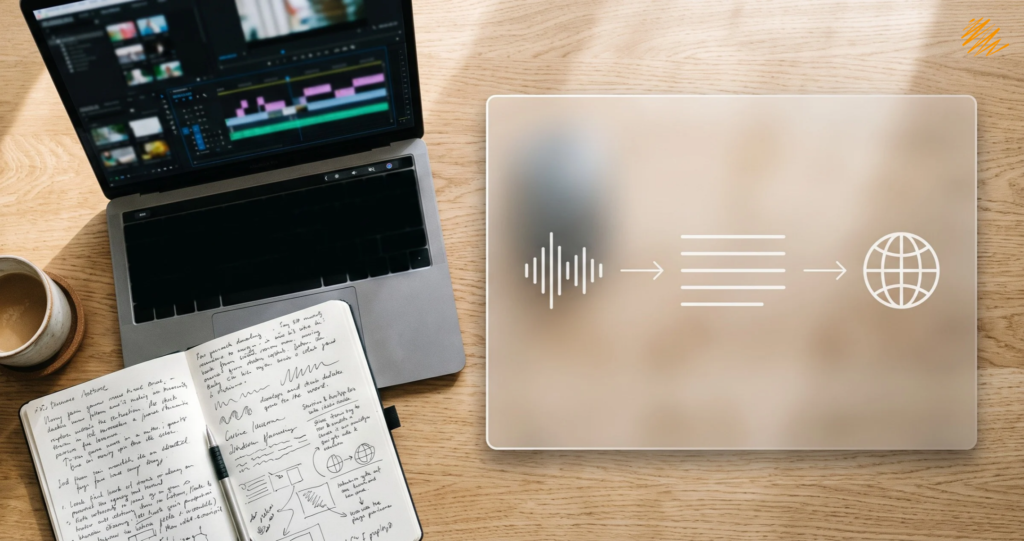
A video feels finished once it is edited. For a multilingual audience, the real work starts there. Multimedia localization turns one recording into versions that work in other languages and cultures. It depends on three steps done in the right order: transcription, translation, and timed text such as subtitles. This guide explains each step, how they connect, and what to prepare before you ask for a quote. Multimedia localization starts with an accurate transcript. What Multimedia Localization Includes Multimedia localization adapts audio and video content for another language and market. That covers scripts, dialogue, subtitles, and captions. It can also cover graphics and audio that need a local fit. As a result, the work sits between translation and media production. However, two terms cause confusion. The W3C's guidance on accessible audio and video describes captions as text that conveys both speech and non-speech sounds. In everyday use, subtitles translate the dialogue for viewers who read another language. How Transcription, Translation, and Subtitling Work Together Each step feeds the next. Here is how a typical project flows from source file to finished text. Step What it produces Why it comes here 1. Transcription Accurate source-language text, often with timestamps and speaker…
October 20, 2026

Accessibility
People use screen readers, voice control, and larger text settings on their phones every day. As a result, mobile app accessibility decides whether those users can finish a task or give up on your app. For teams selling to US federal agencies, the stakes are higher. Section 508 sets accessibility requirements for the software those agencies buy, and that includes native mobile apps. This guide explains what Section 508 and WCAG 2.2 expect from an app. It also shows how to test for it before release. Mobile app accessibility starts with testing on a real device. What Section 508 and WCAG 2.2 Mean for Mobile App Accessibility Section 508 is the US law that requires federal agencies to buy accessible information and communication technology. Its technical standards incorporate WCAG 2.0 Level AA. They apply to web content and to other electronic content, such as software and native mobile apps. WCAG 2.2 is the newer version. According to the W3C's overview of WCAG 2.2, it adds nine success criteria and removes one obsolete one. Because it extends the older version, designing to WCAG 2.2 Level AA puts a team in a strong position. However, a buyer may still ask for a…
October 15, 2026

Localization
Most launch calendars give localization one line: "Translate assets, week six." That single line hides a dozen decisions about markets, names, claims, and review. Marketing localization works when teams make those decisions early, not in week six. This guide lays out a pre-launch timeline in six phases, from choosing markets to reviewing results after launch. Adjust the weeks to fit your own calendar. The order matters more than the exact dates. Marketing localization works best when planning starts months before launch. Why Marketing Localization Needs Its Own Timeline Marketing localization doesn't start when the English assets are final. By then, the team has already made the decisions that shape it: which markets to enter, which tone to use, and which product names to keep. Treating it as a late-stage translation task compresses review time. It also hides problems until launch week, when nobody has time to fix them. A separate timeline pulls those decisions forward, where they cost less. What Counts as Marketing Content Marketing localization covers more than the landing page. Each content type has its own risks, and each one needs a place on the timeline: Landing and product pages. Layouts must absorb longer text, and calls to…
October 13, 2026

Transcription & Buyer Education
Picture three quotes for the same 5,000-word document. One comes in at $350. Another lands at $750. The third asks for $1,500. All three vendors call themselves professional, and none of them is necessarily lying. Professional translation cost spans a wide range, and the gap usually reflects what each quote includes, not just who charges more. This guide explains how translation pricing works, what pushes a quote up or down, and how to compare offers that don't match line for line. The numbers come from published 2026 price guides. Treat them as ballpark figures, not promises, because every project prices differently. Why Professional Translation Cost Varies So Much Published guides don't agree on one number. Alconost's 2026 analysis puts professional human translation at roughly $0.07 to $0.14 per word. Other guides quote $0.10 to $0.30, and specialist legal or medical work sits at the top of that band. The disagreement isn't an error. Each source defines "professional," the language pair, and the content type a little differently. The per-word rate also isn't the whole bill. Rush fees, minimum charges, formatting work, and certification can all sit on top. Two quotes with the same per-word rate can total very different amounts.…
October 8, 2026

Translation & Creative Language
A beauty brand launches the same campaign in three markets. In France, the team translates the tagline word for word — accurate, but flat. In Brazil, a transcreator reworks the wordplay to land the same joke in Portuguese. In Japan, the team scraps the whole campaign and rewrites it from scratch, because the emotional appeal that worked in the English original — bold, individualistic — doesn't resonate the same way there at all. Same brand, same launch, three completely different approaches. All three were the right call. Marketing teams treat translation, transcreation, and multilingual copywriting as interchangeable more often than they should. They often default to whichever one they've heard of, rather than whichever one the content actually needs. Three Different Jobs, Often Confused as One Each of these services starts from a different place and asks a different question. Translation starts with a finished source text and asks what it says. Transcreation also starts with a finished source, but asks what it's supposed to make someone feel, and rebuilds that feeling even if the words change completely — we covered this distinction in more depth in our post on transcreation vs. translation. Multilingual copywriting starts somewhere else entirely: with…
October 6, 2026

Accessibility
In 2025, plaintiffs filed 3,117 website accessibility lawsuits in U.S. federal court — a 27% jump from the year before, and the highest total in three years. Add in state court filings, and the total climbs past 5,000. Nearly half of those cases targeted a repeat defendant — a company already sued once before for the same kind of problem. Most of that litigation traces back to something quietly unglamorous: a PDF without proper tags, a form with no field labels, a document that a screen reader simply can't parse correctly. The cost of inaccessible documents rarely shows up as one dramatic failure. It shows up as a slow accumulation of legal exposure, lost readers, and rework — most of it avoidable at a fraction of the eventual cost. We found a similar pattern when we looked at the real cost of poor localization. Understanding where that cost actually comes from is the first step toward keeping it small. The Legal Cost Is Rising, and It's Not Just Large Companies Web and document accessibility litigation has more than tripled since 2017, according to Seyfarth Shaw's annual tracking of ADA Title III filings. Website accessibility cases alone made up 36% of…
October 2, 2026