By the Translationary Editorial Team | 5 Min Read | Category: Digital Accessibility / Compliance
Government accessibility compliance is not a design preference. It is part of how public services are delivered fairly and lawfully — and it cannot stop at the source language.
Accessibility compliance in government and public sector work is not a design preference. It is part of how public services are delivered fairly and lawfully. When a citizen cannot use a government website, form, mobile app, or public document because it is inaccessible, the result is not just frustration. It is a barrier to services and information that may be essential.
For public-sector teams, accessibility also cannot stop at the source language. If an agency publishes content in multiple languages, each public-facing version should remain usable and understandable for the audience it serves. A translated page with broken keyboard flow, a PDF with the wrong language setting, or untranslated alternative text can create the same barrier as inaccessible source content. Accessibility and language access meet in the same user journey.
Government Accessibility Compliance Frameworks
Section 508
ADA Title II
EN 301 549 v3.2.1
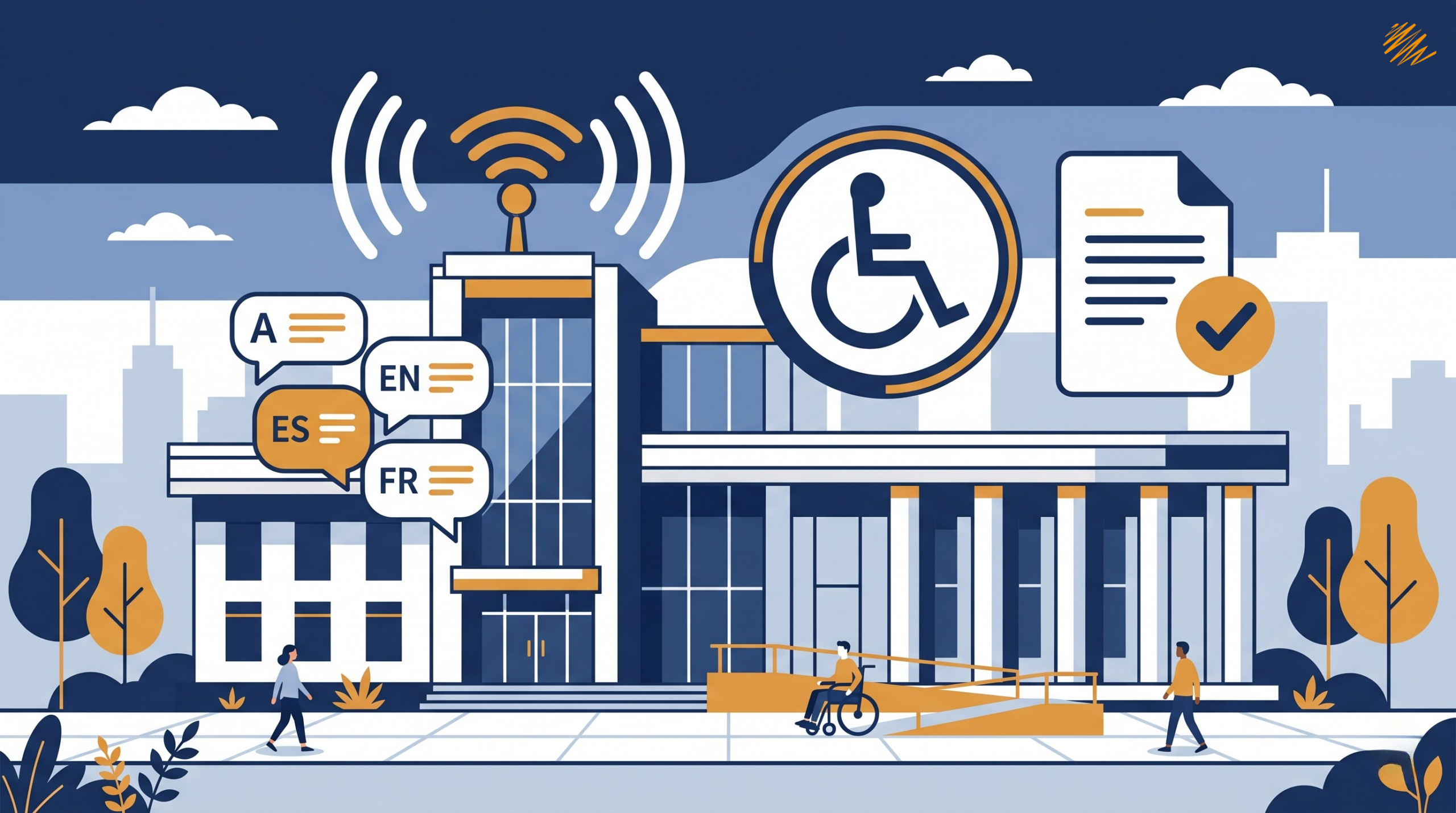
Accessibility compliance for government projects spans disability access, multilingual communication, and document standards — all as part of public service delivery.
What Government Accessibility Compliance Means in Practice
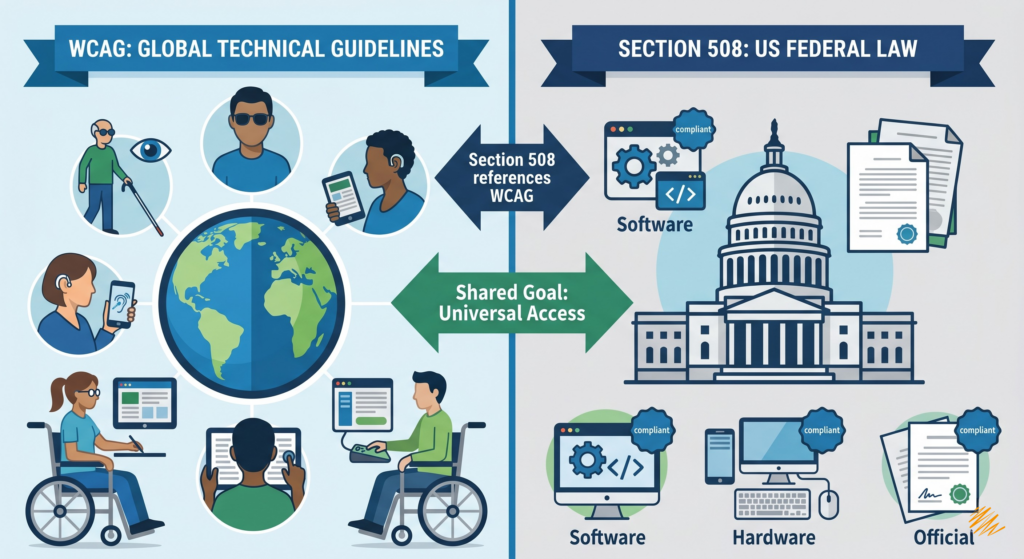
In practical terms, government accessibility compliance means making digital content usable by people with disabilities across websites, mobile applications, electronic documents, forms, and multimedia. WCAG, developed by the W3C, is the core technical standard used to make web content accessible, and many public-sector rules and procurement frameworks reference it directly or through related standards.
That includes users who are blind or have low vision, users who are deaf or hard of hearing, users with motor disabilities who rely on keyboard access, and users with cognitive or learning disabilities who depend on clear structure and predictable interaction. WCAG is intended to support accessibility across all of those needs.
The Rules Government Teams Need to Know
Section 508 — United States Federal
In the United States, Section 508 applies to federal agencies when they develop, procure, maintain, or use information and communication technology. The Revised 508 Standards incorporate WCAG 2.0 Level A and Level AA success criteria and conformance requirements for covered web and non-web content and software. Importantly, Section 508 does not currently incorporate WCAG 2.1 or 2.2.
If you sell ICT products or services to federal agencies, accessibility requirements can appear in solicitations and contracts. Federal buyers commonly ask for an Accessibility Conformance Report (ACR), usually prepared using the VPAT template, to help assess how a product or service conforms to the Revised 508 Standards. An ACR is documentation for procurement review — it is not a government certification.
ADA Title II — State and Local Governments
For state and local governments in the U.S., the current ADA Title II web and mobile app rule identifies WCAG 2.1 Level AA as the technical requirement for covered content, subject to listed exceptions. Compliance dates are April 26, 2027 for entities serving 50,000 or more people, and April 26, 2028 for smaller entities and special district governments.
EU Web Accessibility Directive and EN 301 549
In the European Union, public-sector website and mobile app accessibility is governed by the Web Accessibility Directive. The technical requirements are underpinned by the harmonised European standard EN 301 549 v3.2.1. The European Commission states that EN 301 549 draws heavily from WCAG 2.1.
| Framework | Who It Applies To | Technical Standard | Key Detail |
|---|---|---|---|
| Section 508 | US federal agencies & ICT vendors | WCAG 2.0 Level A & AA | Does not currently incorporate WCAG 2.1 or 2.2 |
| ADA Title II | US state & local governments | WCAG 2.1 Level AA | Compliance: Apr 2027 (large) / Apr 2028 (small) |
| EN 301 549 v3.2.1 | EU public-sector bodies | Based on WCAG 2.1 | Governed by the Web Accessibility Directive |
Why the Stakes Are Higher in Government Projects
Government services are not optional consumer products. People often cannot choose whether to interact with a benefits portal, tax platform, voter information site, school district form, or public health resource. When those services are inaccessible, the impact extends beyond inconvenience. It can block access to information, applications, rights, and time-sensitive services.
That is why public-sector government accessibility compliance has to be treated as part of service delivery itself — not as a post-launch refinement or a procurement checkbox.
Why Translation and Accessibility Must Work Together
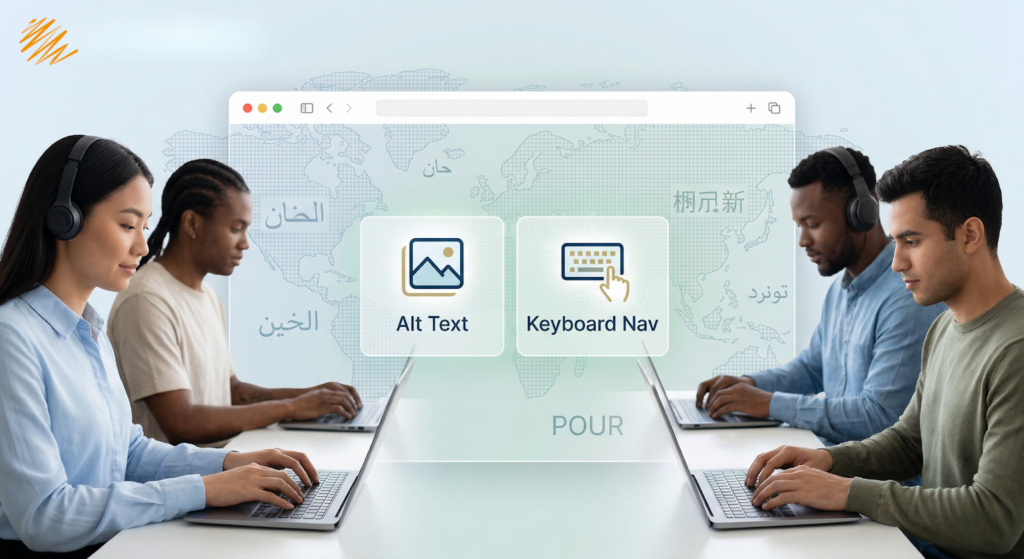
Accessibility and localization solve different problems, but they cannot be separated in multilingual public services. If a source-language website is accessible but the translated version loses its headings, form labels, alt text, reading order, captions, or language settings, the translated version is still failing users.
This matters especially in public-sector documents and forms. Section 508 applies to electronic content as well as other ICT, and federal guidance for PDFs emphasizes structural tagging, logical reading order, meaningful alternative text, and proper document structure as core accessibility requirements.
The Most Common Failure Point: PDFs and Documents
Government agencies still rely heavily on PDFs for forms, notices, reports, guidance documents, and public-facing materials. Federal guidance encourages agencies to use HTML when possible because it is generally more accessible and mobile-friendly. However, when PDFs are used, they need to be created correctly.
In translated government workflows, the risks increase further. A PDF can lose structure during export, carry over the wrong document language, retain English alt text inside a non-English file, or develop a broken reading order after layout changes in the target language.
Five risks that deserve special attention
Missing or incorrect tags
Without proper tags, the PDF has no meaningful structural map for assistive technologies. Screen readers cannot determine what is a heading, body content, table header, or decorative element — making the document effectively inaccessible regardless of how it looks on screen.
Wrong reading order
A file can look visually correct and still be read out of sequence by assistive technology if the underlying structure is wrong. Multi-column layouts, sidebars, and footnotes all require careful tag sequencing — and that sequencing must be re-verified in every language, particularly in right-to-left scripts.
Missing or untranslated alt text
If alternative text for images is missing, or left in the wrong language inside a translated document, the content is not fully accessible to the target audience. A Spanish-language PDF with English alt text fails users who rely on screen readers in Spanish.
Incorrect language settings
If the document language attribute is wrong, screen readers may pronounce the content incorrectly or apply the wrong speech rules entirely. This is a common failure in translated documents where the language attribute is not updated as part of the localization handoff.
Treating accessibility as a procurement checkbox
ACRs are useful procurement documents, but they do not replace testing, remediation, or accessible content practices in actual delivery. Submitting a VPAT is the beginning of an accessibility commitment — not the end of it.
What a Stronger Government Accessibility Workflow Looks Like
For government and public-sector projects, accessibility compliance works best when it is built into requirements, authoring, translation, QA, and delivery — not treated as a final-stage audit. In practice, that means:
- Defining accessibility expectations clearly in procurement and project scope
- Creating accessible source content before translation begins
- Checking translated pages and PDFs in the target language — not just the source
- Using both automated technical tools and human review before content reaches the public
- Maintaining accessibility as an ongoing operating requirement, not a one-time deliverable
Accessibility Compliance Is Part of Public Service
Accessibility compliance in government and public sector projects is not a side requirement. It is part of what it means for a public service to be usable by the public.
At Translationary, we view accessibility and multilingual communication as part of the same quality standard. Public-sector content should not only be translated accurately — it should also remain usable, navigable, and understandable for the people who rely on it.
Working on government websites, forms, PDFs, or multilingual public-facing content?
Translationary can help you support accessibility and language access together from the start.