By the Translationary Editorial Team | 6 Min Read | Category: [ Digital Accessibility, Compliance ]
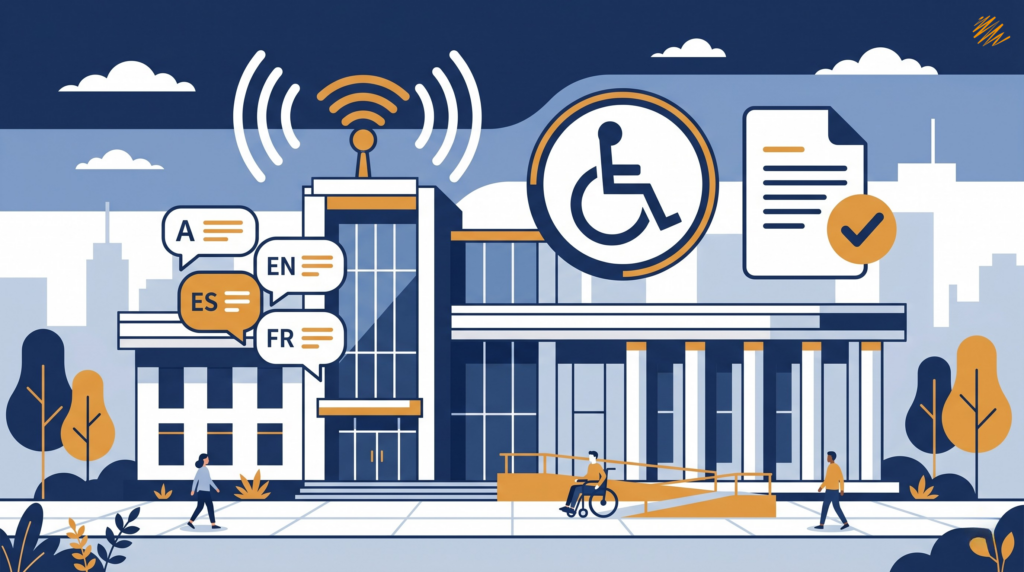
As organizations expand their digital presence, accessibility is becoming just as important as translation, localization, and user experience. More than 1.3 billion people worldwide experience significant disability, and accessible digital content helps more people navigate, understand, and use what you publish online.
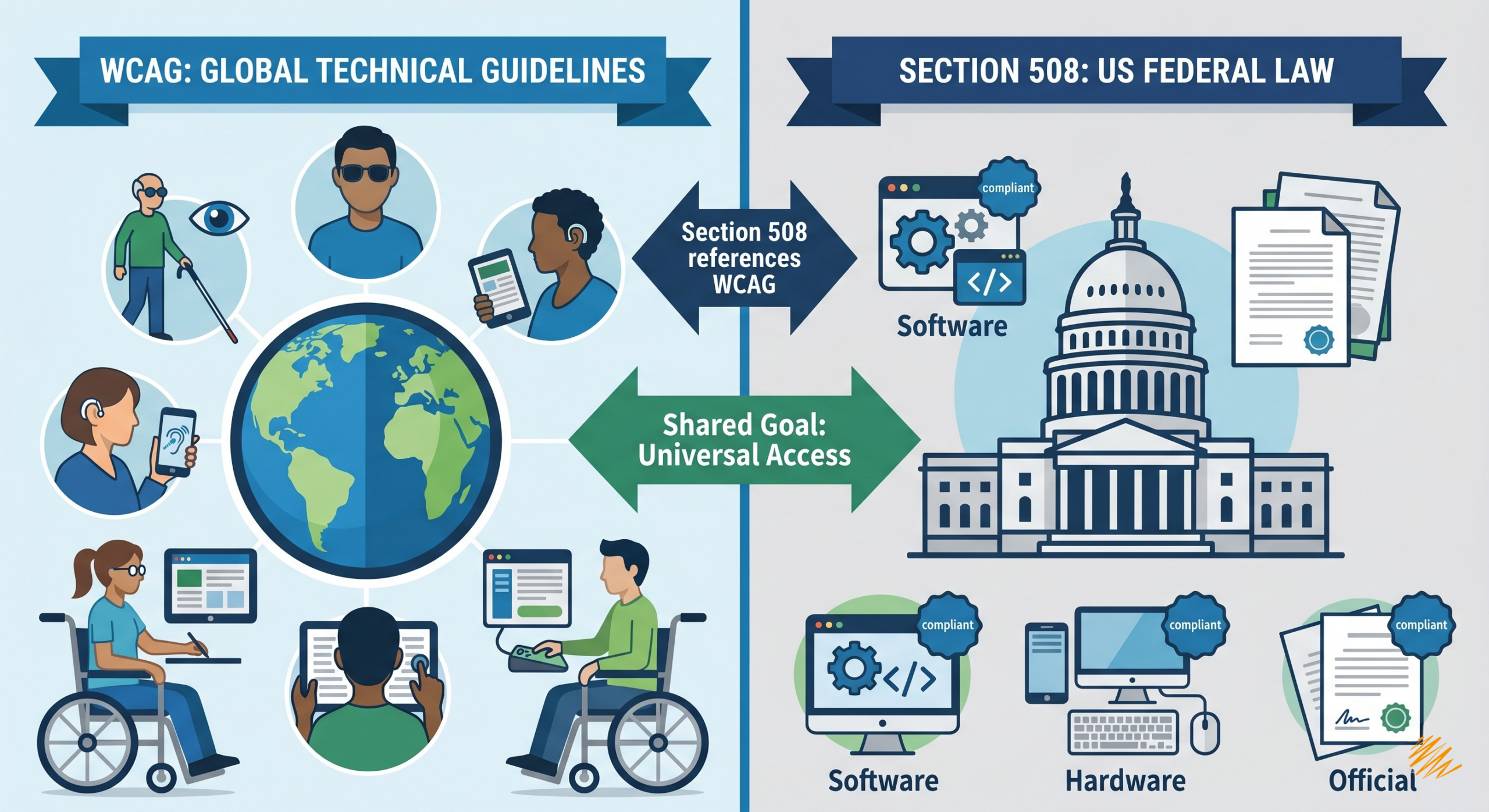
When teams begin looking into digital accessibility, two terms come up almost immediately: WCAG and Section 508. They are closely related, but they are not the same thing. WCAG is a technical standard. Section 508 is a U.S. legal requirement that applies to covered federal information and communication technology.
At Translationary, we see accessibility as an essential part of global communication. If your website, documents, or digital tools are not accessible, your message is still leaving part of the audience behind. Understanding the difference between WCAG and Section 508 is one of the first steps toward making informed accessibility decisions.
What is WCAG?
WCAG stands for the Web Content Accessibility Guidelines. Developed by the World Wide Web Consortium (W3C), WCAG is the technical standard for web content accessibility. It is not a law on its own, but it is widely referenced by laws, procurement frameworks, and organizational policies.
WCAG has evolved over time as digital experiences have become more complex:
- WCAG 2.0, published in 2008, established the baseline framework still referenced in many legal and procurement settings.
- WCAG 2.1, published in 2018, added 17 success criteria addressing mobile accessibility, low vision, and cognitive and learning disabilities.
- WCAG 2.2, published in 2023, added 9 more success criteria, including requirements related to dragging movements, target size, consistent help, redundant entry, and accessible authentication.
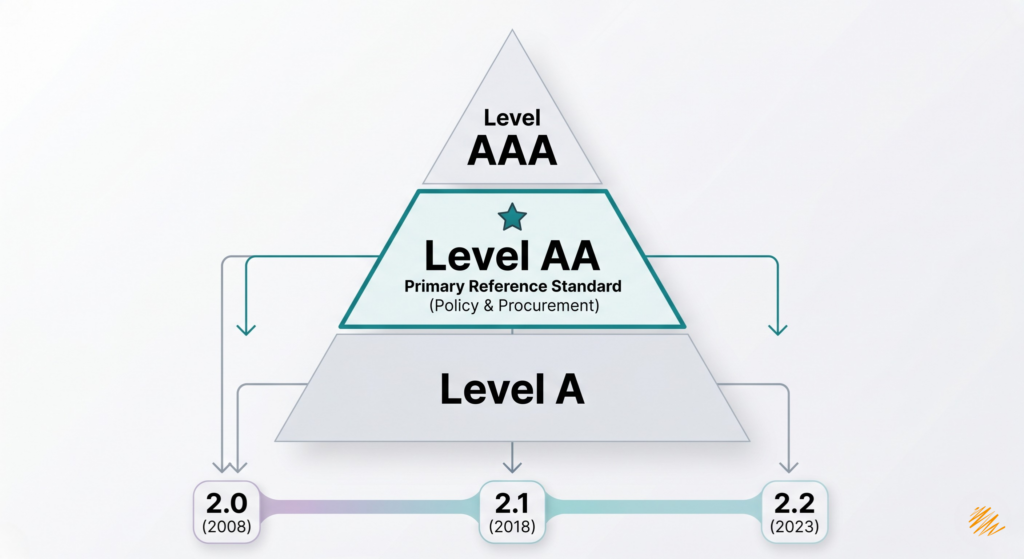
WCAG uses three conformance levels:
- Level A: the most basic requirements
- Level AA: the level most often referenced in policy and procurement settings
- Level AAA: the highest level, though not always practical for every type of content
The takeaway is simple: WCAG is the technical “how-to” standard. It tells organizations what to build, test, and improve in order to make digital content more accessible.
What is Section 508?
Section 508 is part of the Rehabilitation Act of 1973. Unlike WCAG, Section 508 is a legal requirement. It requires U.S. federal agencies to provide accessible information and communication technology when they develop, procure, maintain, or use it, so that employees and members of the public with disabilities have comparable access.
Section 508 covers more than websites. It can apply to:
- software
- electronic documents
- videos
- mobile applications
- hardware
- other covered ICT
Today, the Revised 508 Standards incorporate WCAG 2.0 Level A and Level AA success criteria and conformance requirements for covered web and non-web content and software. Section 508 does not currently incorporate WCAG 2.1 or WCAG 2.2.
If you sell ICT products or services to federal agencies, accessibility requirements may appear in solicitations and contracts. In those cases, agencies often ask vendors for an Accessibility Conformance Report (ACR), commonly prepared using the VPAT template. It is important to note that a VPAT or ACR is documentation, not a government certification.
The takeaway: Section 508 is the legal requirement, and WCAG supplies much of the technical framework built into it.
How WCAG and Section 508 Work Together
The easiest way to understand the relationship is this: WCAG is the standard, and Section 508 is the federal rule that incorporates part of that standard for covered federal ICT. That is why an organization may choose to build to WCAG 2.2 as a current best practice, while Section 508 still legally points to WCAG 2.0 Level A and AA. Newer WCAG versions do not automatically change legal obligations unless the relevant law or rule is updated.
Key Differences at a Glance
| Feature | WCAG | Section 508 |
| Nature | Technical standard from W3C | U.S. legal requirement |
| Purpose | Explains how to make digital content accessible | Requires accessibility for covered federal ICT |
| Scope | Used broadly and referenced by many laws and policies | Applies to ICT federal agencies develop, procure, maintain, or use |
| Current Reference Point | W3C publishes WCAG 2.0, 2.1, and 2.2 | Revised 508 Standards currently incorporate WCAG 2.0 A and AA |
| Procurement Impact | Not a law by itself | Often affects federal procurement and vendor documentation |
Which One Applies to You?
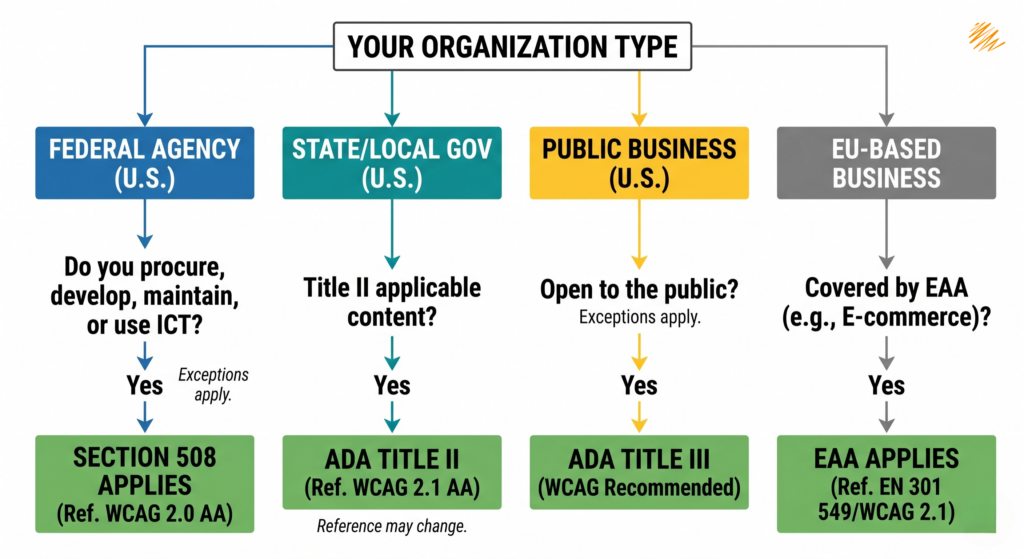
The answer depends on your organization type, the markets you serve, and which legal or procurement framework applies to you.
Section 508 likely matters if:
- you are a U.S. federal agency
- you sell ICT products or services to federal agencies
- you are responding to federal solicitations that require accessibility documentation
ADA considerations matter if:
- you are a state or local government in the U.S.
The ADA Title II web and mobile accessibility rule now identifies WCAG 2.1 Level AA as the technical requirement for covered content, subject to exceptions and specific compliance timelines. - you are a business open to the public in the U.S.
The ADA Title III may apply to your website and digital services, but DOJ does not currently have a general Title III regulation that sets detailed technical website standards for businesses. DOJ points to WCAG and Section 508 as helpful technical guidance.
If your organization receives federal funding
Do not automatically assume Section 508 is the governing rule. In those situations, Section 504 and program-specific accessibility obligations may be the more relevant framework.
If you operate in the European Union
The European Accessibility Act (EAA) may apply if you offer certain covered products or services, including areas such as e-commerce. It is not a blanket rule for every company with European customers. In practice, organizations often look to EN 301 549, which currently uses WCAG 2.1.
Why This Matters for Global Brands
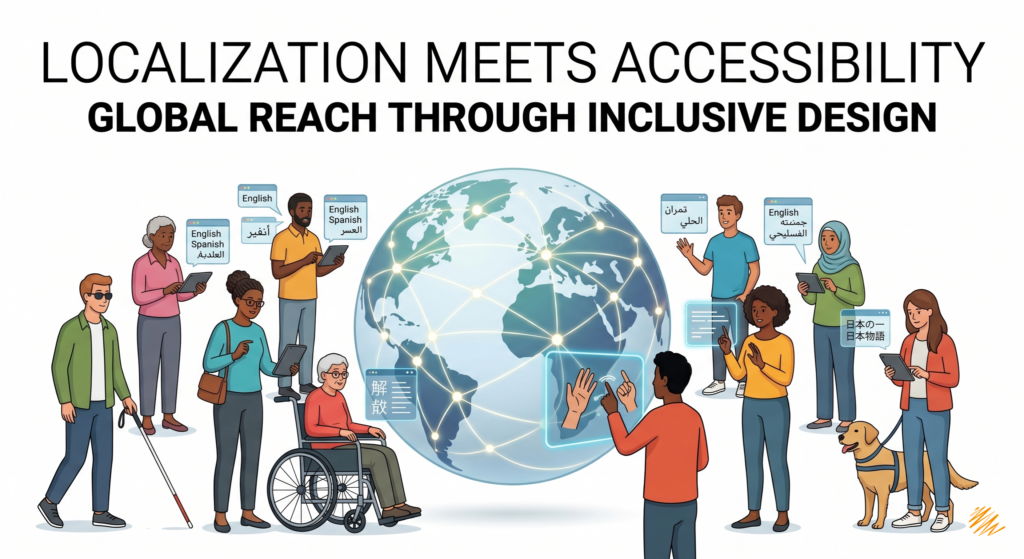
Accessibility and localization are not the same thing, but they support the same broader goal: helping more people successfully use your content.
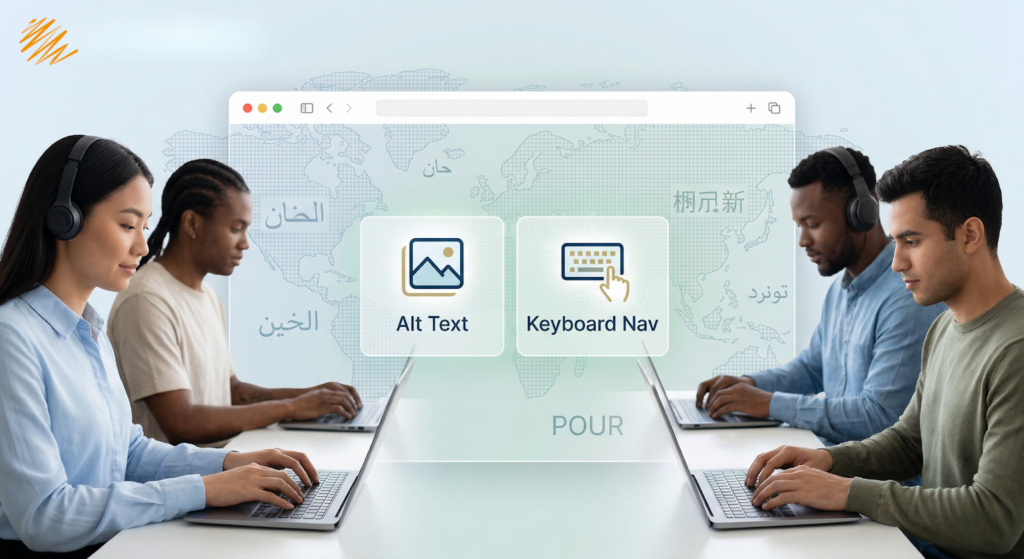
A translated website, document, or platform may still create barriers if it is not accessible. A multilingual experience is only truly effective when users can navigate it, understand it, and interact with it independently.
Following WCAG can improve accessibility and usability, and it may also support clearer structure and findability. But it is best to frame those as potential business benefits, not guaranteed outcomes. Accessibility should be viewed first as a matter of usable, inclusive communication and risk reduction.
Whether your goal is public-sector readiness, federal procurement, or stronger digital experiences across markets, accessibility works best when it is built into content, design, development, and QA from the beginning.
Accessibility Is Part of the Message
At Translationary, we believe accessibility should not be treated as a final checkbox. It should be part of the way digital content is planned, created, translated, and delivered.
If your organization is trying to understand which accessibility standards apply, or how to make multilingual content more usable across markets, we can help you take the next step with greater clarity and confidence.
Ready to make your multilingual content more accessible? Contact Translationary to discuss your next steps.