

By the Translationary Editorial Team | 4 Min Read | Category: [Accessibility / Document Remediation / Industry Insights]
In global communication, translation is often the first priority. But there is another factor that is just as important: Digital Accessibility.
At Translationary, we believe translation alone is not enough. If a technical manual is translated into French, Spanish, or Arabic but cannot be navigated by a screen reader or understood by assistive technology, the job is not complete.
The difference between an inaccessible document and an accessible one is not just technical. It affects usability, compliance risk, and whether your content can actually be understood by the people it was meant to reach.
What is an Accessible Document?
An accessible document is a digital file, such as a PDF, Word document, or web-based file, that is structured so people with disabilities can perceive, navigate, understand, and interact with its content effectively.
That includes users who rely on screen readers, keyboard navigation, captions, structured headings, sufficient contrast, descriptive links, and properly labeled tables, images, and form fields.
A document may look polished on screen and still be inaccessible in practice. Accessibility depends not only on visual design, but also on the structure behind the file.
1. Structural Logic: Visual Layout vs. Proper Document Structure
The most important difference is often invisible.
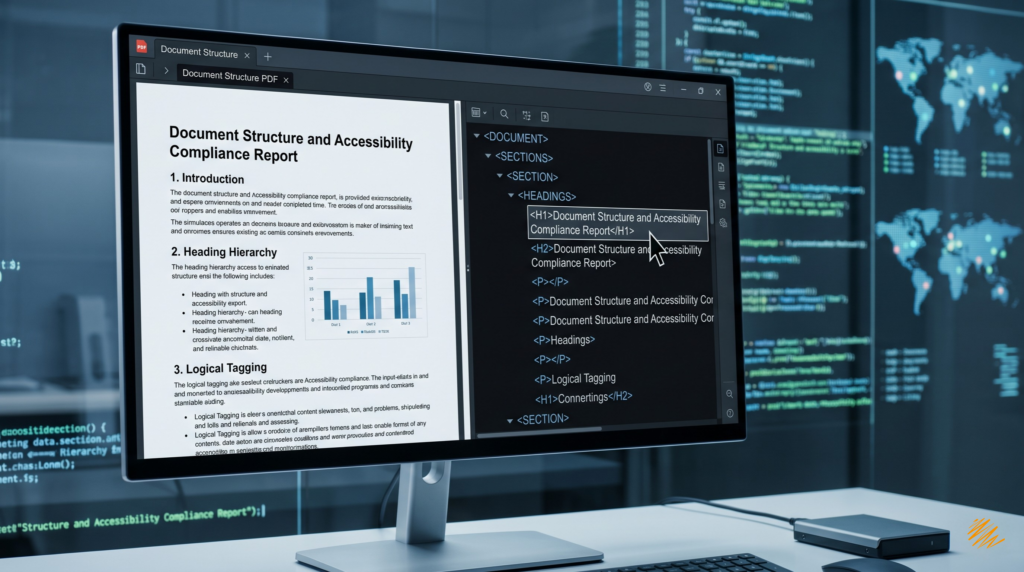
- Inaccessible documents are usually built for visual appearance only. A heading may simply be large, bold text. To a screen reader, that may be no different from any other sentence, which makes the document harder to skim, understand, and navigate.
- Accessible documents use proper heading levels, structure, and tags to create a clear hierarchy. That gives assistive technologies a logical map of the content, allowing users to move directly to the section they need instead of listening line by line from the beginning.
2. Visual Communication: Images and Alt-Text
Images can either communicate useful information or create a barrier.
- Inaccessible documents may contain charts, icons, screenshots, or diagrams with no text alternative at all. In those cases, a screen reader may only announce something generic, or nothing meaningful.
- Accessible documents provide alt text or another appropriate text alternative for meaningful visuals. In multilingual content, that text should also be localized so users in the target language receive the same information as the source audience.
For example, instead of hearing a meaningless image label, a user might hear: “Line graph showing a 15 percent increase in annual exports.”
3. Navigation: Mouse-Dependent vs. Keyboard-Friendly
Not every user interacts with documents using a mouse.
- Inaccessible documents may require precise clicking to move through links, form fields, or interactive elements.
Accessible documents are designed to support keyboard navigation, which is essential for users who rely on tabbing, switch devices, or other assistive input methods. A document should be usable without requiring fine motor mouse control.
At a Glance: The Core Differences
| Feature | Inaccessible Document | Accessible Document |
| Reading Order | Can be erratic, fragmented, or out of sequence | Logical and intentionally structured for assistive technology |
| Headings and Structure | Visual formatting only, with little or no structural meaning | Proper heading hierarchy and tagged structure |
| Images and Charts | No meaningful text alternative | Alt text or equivalent description where needed |
| Color Contrast | May be difficult to read | Designed for readability and stronger accessibility alignment |
| Hyperlinks | Generic text such as “Click here” | Descriptive link text that explains the destination |
| Tables | May confuse screen readers if headers and cells are not defined properly | Structured so header relationships and data are clear |
| Forms | Fields may be unlabeled or difficult to use | Fields are labeled and usable with keyboard and assistive technology |
| Language Identification | No language metadata or incorrect settings | Language is identified for more accurate pronunciation and interpretation |
The Translationary Approach: Why “Accessible Translation” Matters
When content is localized for a new market, accessibility becomes even more important.
A translated file may look complete, but accessibility can be disrupted during formatting, layout changes, PDF export, or language-specific adjustments. Reading order may shift. Tags may break. Language settings may be lost. Tables and forms may stop working correctly with assistive technologies.
This is especially important in multilingual workflows involving:
- right-to-left languages such as Arabic or Hebrew
- expanded or contracted text layouts
- localized tables and forms
- translated captions, labels, and alt text
- document reformatting after design changes
In other words, accessibility does not always carry over automatically after translation.
That is why accessible translation matters. A document should not only be linguistically correct. It should also remain usable, navigable, and understandable in the target language.
Why This Matters for Organizations
Compliance and Risk
Depending on the audience, sector, and delivery context, inaccessible documents can create compliance risk under accessibility frameworks such as Section 508 and the ADA. For federal agencies and many contractors, electronic documents fall within broader digital accessibility expectations, and current U.S. public-sector rules reference WCAG-based requirements in different ways.
User Experience
Accessibility improvements help more than one audience. Clear structure, readable formatting, better contrast, descriptive links, and logical navigation make documents easier to use for everyone, including multilingual readers and users on mobile devices.
Brand Reputation and Inclusion
Accessible content signals that your organization values clarity, professionalism, and inclusive communication. Inaccessible content can do the opposite, especially when important information is delivered through documents rather than webpages.
Is Your Content Truly Accessible?
The shift from an inaccessible document to an accessible one requires more than visual cleanup. It requires technical structure, careful remediation, and attention to how content behaves across languages and assistive technologies.
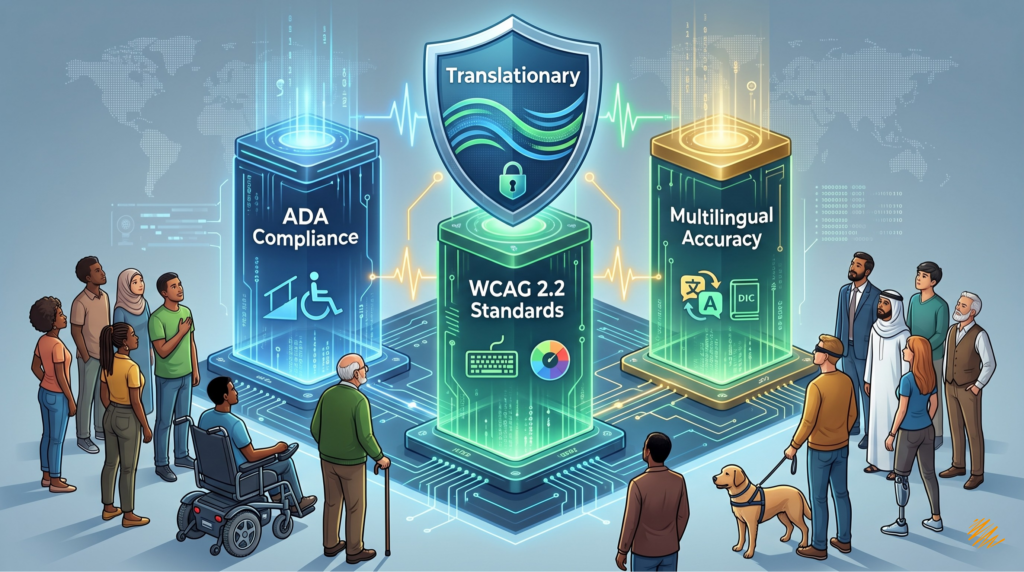
At Translationary, we work at the intersection of language access and digital accessibility. We do not just translate words. We help ensure that structure, tagging, metadata, and multilingual formatting support a more accessible end result.
Accessibility Is Part of the Message
A document is not truly complete if part of your audience cannot use it.
Whether you are distributing technical manuals, HR documents, public-facing brochures, training materials, or multilingual reports, accessibility should be part of the process, not an afterthought.
The good news? You don’t have to navigate this alone.
The transition to fully compliant, accessible documents requires technical expertise, especially when balancing multiple languages. Our team is ready to seamlessly integrate accessibility into your next translation project. Ready to make your content inclusive for all? [ Reach out to our accessibility experts today. ]