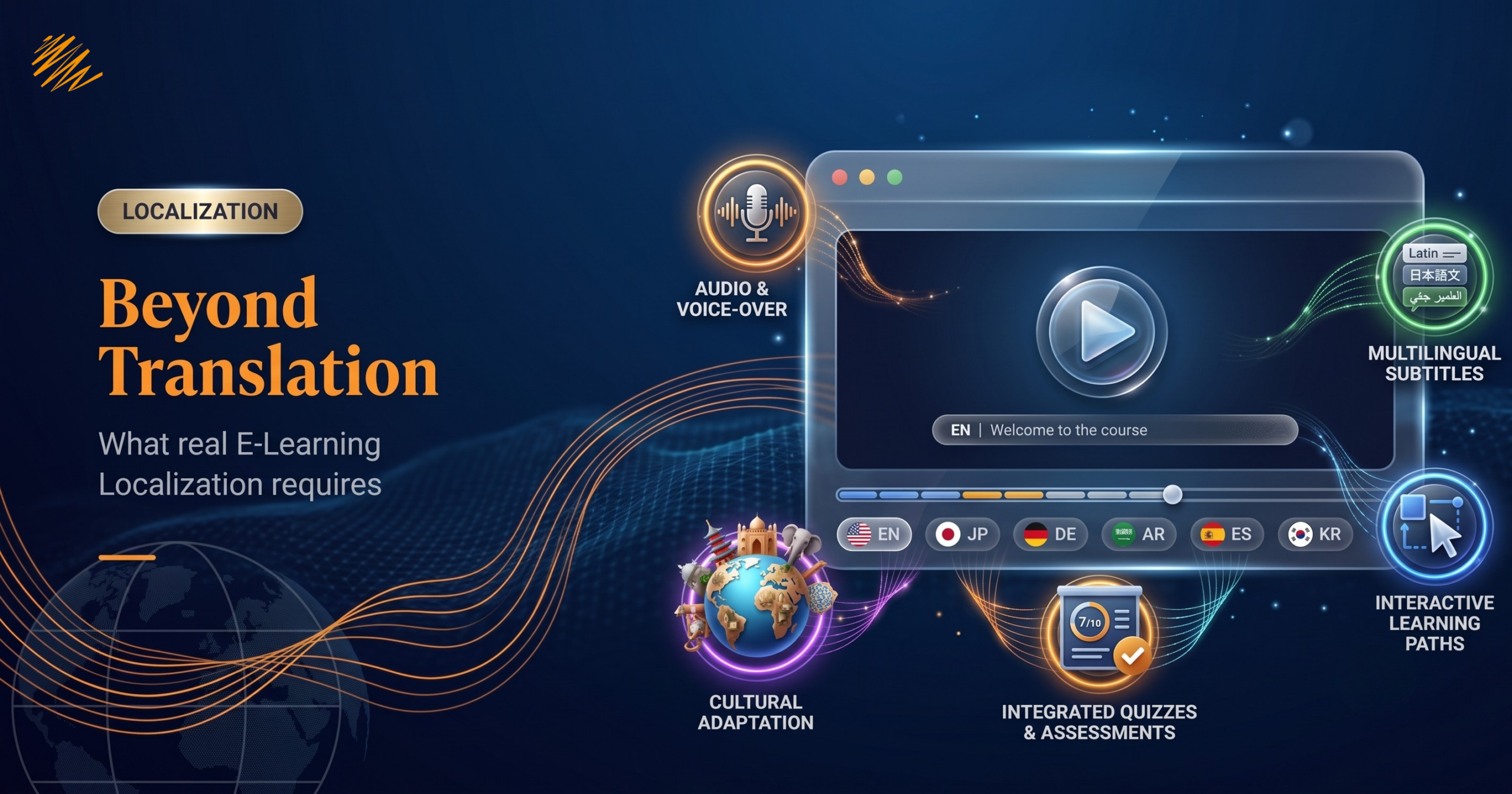
E-Learning localization determines whether a global training rollout succeeds or fails. Imagine this: your team has spent three months building a comprehensive onboarding course. The design is polished, the content is solid, and the learning outcomes are clear. You send the script to a translation vendor, receive the translated files two weeks later, and launch the course in four new markets.
Six months later, completion rates are half of what you expected. Learner feedback points to confusing instructions, awkward phrasing, and examples that don’t feel relevant. Your L&D team is frustrated. Leadership is asking questions.
What went wrong?
The course was translated. But it was never localized — that’s the gap E-Learning Localization is built to close.
Teams often use these two words interchangeably — but in E-Learning, the difference between them is the difference between a course that works and one that doesn’t.
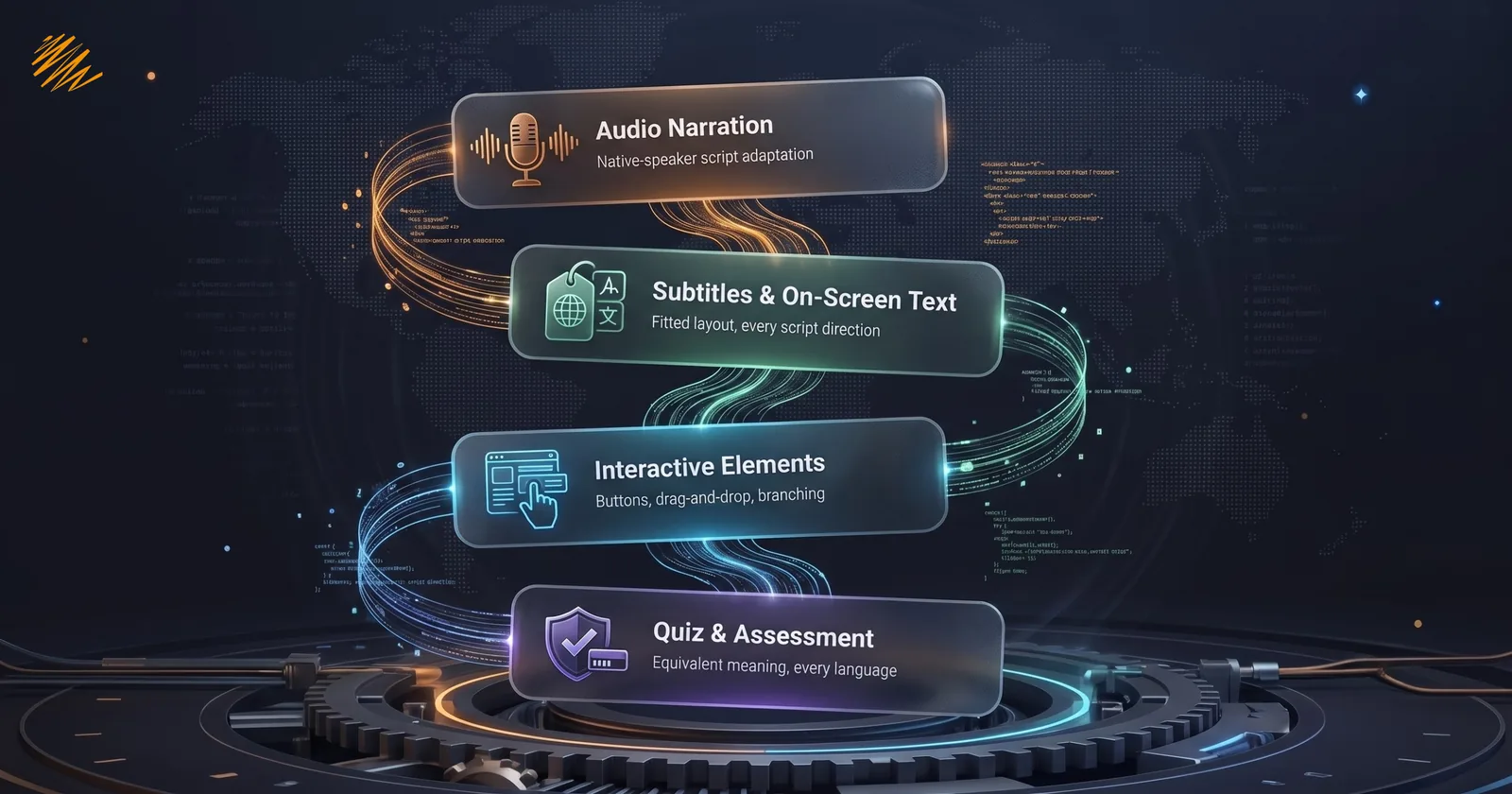
What Makes E-Learning Localization Different from Standard Translation
Many translation projects focus mainly on text. E-Learning is different because the content is spread across multiple layers. You translate the words, review the output, and you’re done.
E-Learning is different. A single online course can contain all of the following:
- Audio narration recorded by a voiceover artist
- On-screen text, captions, and subtitles
- Interactive elements: buttons, drag-and-drop activities, click-to-reveal panels
- Branching scenarios and dialogue simulations
- Quiz questions, answer options, and feedback messages
- Images, illustrations, and video content
- LMS interface strings: navigation labels, progress indicators, system messages
- Cultural references, idioms, humor, and real-world examples
Each of these elements requires a different approach. Translating a voiceover script is not the same as adapting it for natural speech. Changing a text label is not the same as resizing a button to fit the translated text. And updating a cultural reference is not something a translation tool can do at all.
This is why E-Learning Localization is a discipline of its own — and why treating it like a standard translation project almost always leads to problems.
The 5 Elements That Go Beyond Translation
1. Audio Narration
Translated scripts rarely read the way the original writer intended. Languages have different rhythms, structures, and natural speech patterns. A sentence that takes four seconds to say in English might take six seconds in German — or two seconds in Japanese.
When teams record audio without adapting the script first, the narration feels rushed, unnatural, or out of sync with the visuals. Native-speaking learners notice immediately — and disengage just as quickly.
Effective E-Learning Localization includes script adaptation by a native speaker before recording begins, followed by voiceover production with local talent who understands the tone and pace of the content.
2. On-Screen Text and Subtitles
Text expansion is one of the most overlooked challenges in E-Learning Localization. Many languages can run significantly longer or shorter than English. Arabic and other right-to-left languages change the entire layout direction.
If your course design doesn’t account for this, translated text will overflow text boxes, get cut off at the edges, or push other elements out of place. The result looks unprofessional — and undermines learner trust in the content itself.
Localization requires working with both the translation and the course design together, not treating them as separate workstreams.

3. Interactive Elements and Branching Scenarios
Every click-to-reveal panel, drag-and-drop activity, and branching dialogue contains text. Many authoring tools embed this text directly in the course file, rather than storing it in a simple document a translator can open.
Localization teams need to extract this content, translate it in context (knowing what the element does and how it behaves), and reintegrate it correctly. Doing this poorly breaks the interactive experience entirely.
4. Quizzes and Assessment Content
Assessment content carries a specific type of risk: if a question is mistranslated or culturally ambiguous, learners may answer incorrectly not because they don’t understand the concept — but because the question didn’t make sense in their language.
Quiz Localization requires review by subject matter experts in the target language, not just linguists. The goal is not just accuracy — it’s equivalence. The question should test the same knowledge in the same way, regardless of language.
5. Cultural Adaptation
This is where translation ends and Localization truly begins.
A compliance training course built for a US audience might use references to specific regulations, workplace scenarios, or cultural norms that simply don’t exist in other markets. An example involving a performance review process might need to be entirely rewritten for a Japanese audience, where feedback culture looks very different.
Images matter too. Stock photography that feels diverse and representative in one market can feel homogenous or even inappropriate in another.
What this means in practice: Cultural adaptation is not about changing the meaning of your content. It’s about making sure your content lands the same way for every learner, regardless of where they are.
What Happens When You Skip True E-Learning Localization
The consequences of skipping true Localization show up clearly in the data — and in learner feedback:
- Low completion rates driven by disengagement, not difficulty
- Poor assessment scores that reflect translation issues, not knowledge gaps
- Learner complaints about content feeling “off,” “awkward,” or “not relevant to us”
- Increased support requests from learners confused by mistimed audio or broken interactive elements
- Reputational risk when training content feels culturally tone-deaf in key markets
Every one of these outcomes costs more to fix after launch than it would have cost to do correctly the first time.
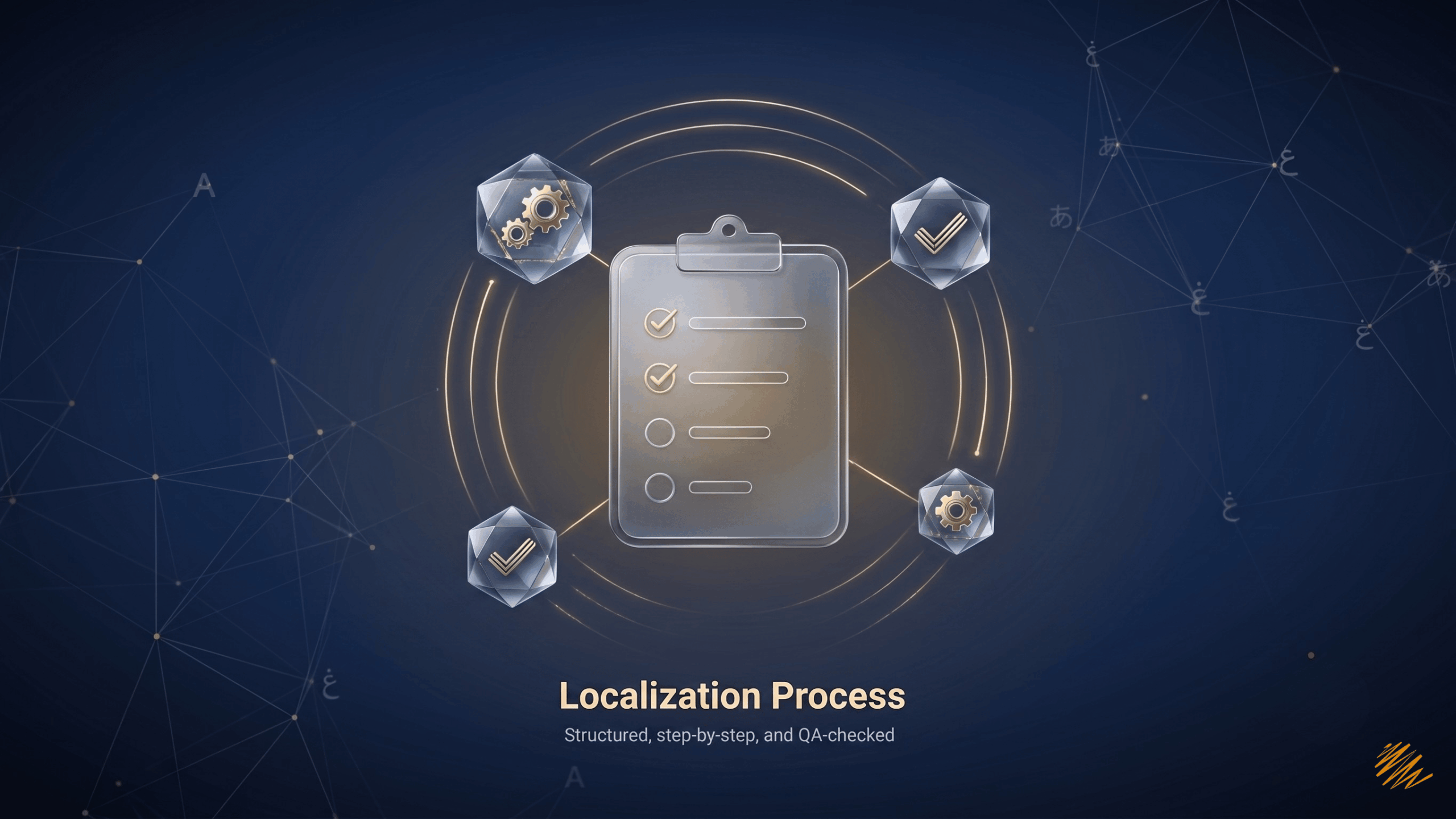
What a Full E-Learning Localization Process Looks Like
A complete E-Learning Localization engagement can cover every layer of your course, depending on project scope:
- Content audit — identifying every element that needs to be localized, including audio, text, interactives, quizzes, and LMS strings
- Script adaptation — rewriting narration for natural speech in the target language, not word-for-word translation
- Cultural review — flagging and adapting examples, imagery, and references for the target market
- Voiceover recording, when needed — working with native-speaking voice talent for natural, professional delivery
- On-screen text and subtitle sync — ensuring all text fits the visual layout and matches the audio timing
- LMS String Localization — translating and testing all platform-level text so the learner experience is seamless from login to completion
- QA and testing — reviewing the full course in the target language before launch, including functional testing of all interactive elements
The result is not a translated course. It’s a localized one — built to perform in every market you enter.
The Bottom Line
E-Learning Localization done right is an investment in learner experience, engagement, and outcomes. It respects your learners enough to give them content that actually works in their language and their context.
Done wrong — or reduced to simple translation — it wastes the time, budget, and expertise that went into building the course in the first place.
The good news: when you work with a Localization partner who understands E-Learning, this doesn’t have to be complicated. It just has to be done right.