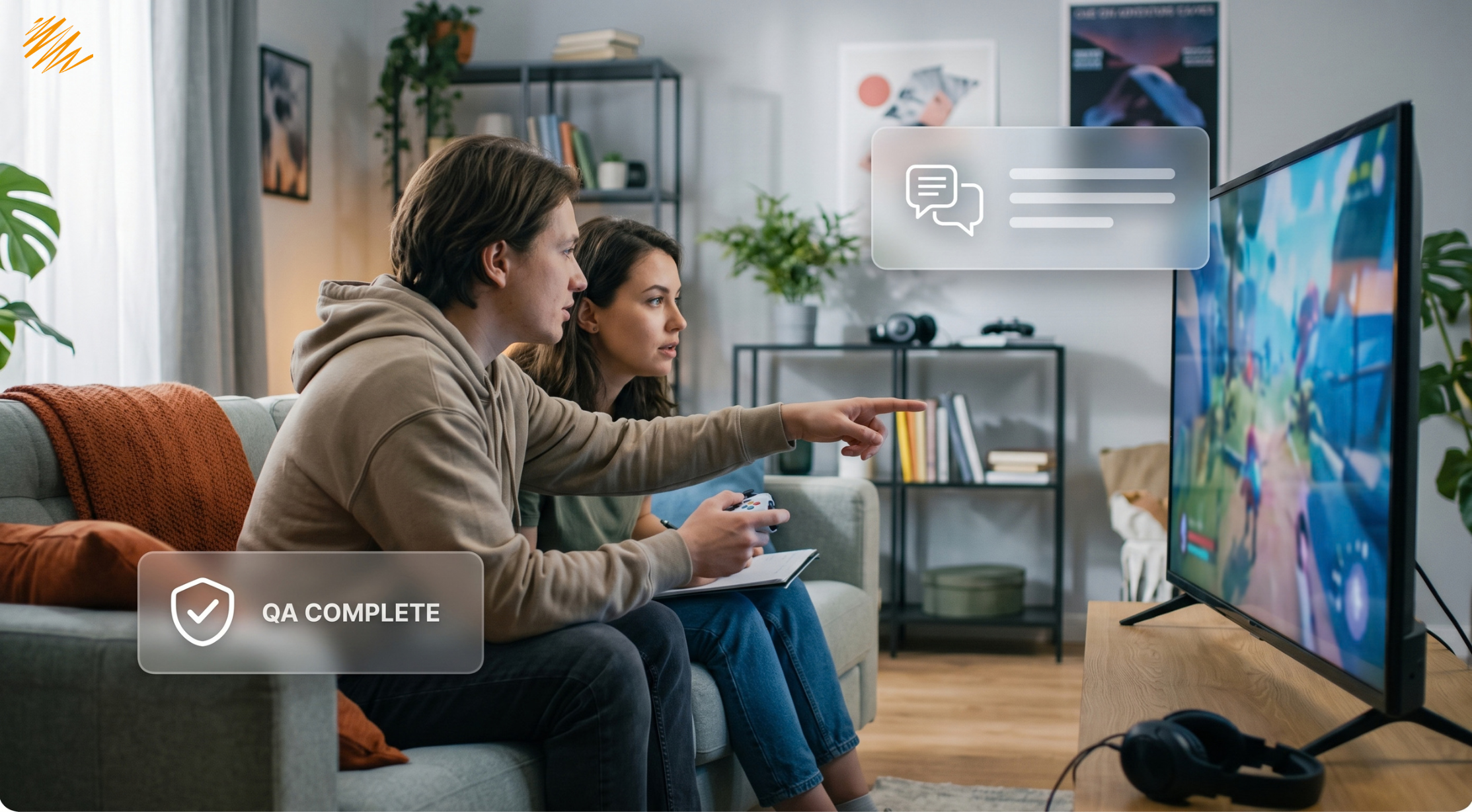
A dialogue box that fits eight words in English can overflow with the same sentence in German. A character customization screen lets players type their own name, and the game then inserts that name into a grammatically gendered sentence it was never built to handle. A color used for “danger” in one culture reads as celebratory in another. None of these are translation errors. The text is accurate. The game still breaks.
Teams treat game localization like document translation more often than they should, and games are one of the least document-like things a team can translate. A game is code, UI, voice acting, cultural symbolism, and legal compliance all layered on top of text — translate only the text, and everything built around it can still fail. The gap usually isn’t a language problem at all. It’s a scoping problem. Somewhere early in a project plan, someone quietly defines “localization” as “translation,” and nobody revisits that definition until players start reporting bugs that weren’t really bugs.
More Than Subtitles: What Game Localization Actually Covers
“Localize the game” can mean translating menu text, dialogue, item descriptions, achievement names, error messages, legal text, marketing copy, and voice-over scripts. It can even mean adjusting gameplay mechanics themselves, since some content faces restrictions or requires adjustment in specific regions. A studio that scopes a localization project as “translate the script” is usually scoping only a fraction of what the word actually covers.
| Text-Only Translation | Full Game Localization |
|---|---|
| Dialogue and menu text translated | Text translated, then tested inside the actual UI for overflow and truncation |
| Voice lines subtitled | Voice lines re-recorded with local cast, direction, and lip-sync timing |
| Icons and symbols left as-is | Icons, colors, and symbols reviewed for cultural meaning in each region |
| Same content shipped everywhere | Content adjusted for regional rating and legal requirements before release |
Where Translate-Only Approaches Actually Break
Text expansion causes the most visible failures. A German or Finnish translation of a short English button label can run 30 to 40% longer. A UI built with fixed-width buttons will clip that text, or force it onto a second line the layout never anticipated. Our software localization checklist covers this expansion problem in more general terms — games just hit it constantly, because so much game text lives inside small, fixed UI elements — health bars, inventory slots, skill icons — that designers never built to flex.
Player-generated content creates a subtler problem. Many games let players name their own character, and that name often flows into scripted dialogue later — “Welcome back, [Name],” or a line that needs to agree grammatically with the character’s gender. English mostly avoids this issue since English barely inflects for gender. Languages with grammatical gender built into verbs and adjectives need a completely different technical approach. Teams often have to prepare multiple dialogue variants in advance for a single line, not just a translated version of the original.
Text in Images and Cultural Symbolism
Text embedded directly into image files or textures — a sign in the game world, a tattoo on a character, text carved into an in-game object — often slips past a translation pass entirely, because translators typically work from an exported text file, not the actual art assets. If nobody flags these assets separately, they ship in the original language while everything else around them is fully localized, creating an inconsistent experience players notice immediately.
Cultural symbolism causes failures that no amount of accurate translation would catch, because the problem was never in the words. A hand gesture used as a friendly icon in one culture can read as deeply offensive in another. Religious imagery used casually as decoration can draw genuine backlash in regions where that symbolism carries real weight. Even number choices matter — some numbers carry strong negative associations in certain markets, which can affect everything from level names to pricing displays. None of this shows up in a linguistic review. It requires someone reviewing the game specifically for cultural fit, market by market, as a separate pass from translation itself.
Voice Localization Adds an Entirely Different Layer
Fully voiced games multiply the localization workload considerably. Every line needs casting, direction, and recording in each target language, not just translation. Lip-sync timing matters for cutscenes with visible character faces. A translated line that runs noticeably longer or shorter than the original creates a visible mismatch between mouth movement and audio — and that mismatch pulls players out of the moment, even when the translation itself is excellent.
Tone direction matters just as much as timing. A line delivered as dry sarcasm in the original recording needs a voice actor in the target language who understands that same comedic timing. It needs more than someone reading a technically accurate translated script. This is one of the clearest places where game localization overlaps with the kind of creative judgment we covered in our post on transcreation. Getting the words right and getting the performance right are genuinely different jobs.
Testing Game Localization In Context, Not Just in a Spreadsheet
Linguistic QA for games has to happen inside actual gameplay, not just against a translated text file. A tester needs to progress through real menus, real dialogue trees, and real UI states to catch problems that only appear in context. That might be a tooltip that only displays during a specific game state, a text string that changes meaning depending on which choice a player made earlier, or a joke that depends on a visual gag happening on screen at the same moment the line plays. Organizations like the IGDA Localization Special Interest Group specifically push the industry toward this kind of in-context QA. Catching these issues after launch is far more expensive than catching them during a proper playtest pass.
Building this testing step in from the start also protects the parts of the game that never touch a translator’s desk at all. Image-embedded text, voice timing, and culturally sensitive symbols all need a human playing the actual game to catch — not a linguist reading isolated lines out of context.
Localization Doesn’t Stop at Launch
Games rarely stay static after launch, either. Patches, seasonal events, and DLC keep adding new text, new voice lines, and new assets long after the original release. That means game localization isn’t a one-time project so much as an ongoing workflow. A studio with a repeatable process for feeding new content through translation, voice recording, and in-context QA handles a content update in days. A studio still treating each update as a fresh one-off translation request usually handles it in weeks. That gap between the two speeds tends to show up directly in how fast other regions get access to new content.
Launching your game in new markets?
We handle text, voice, and in-context QA together, so nothing gets lost between the script and the shipped build.
Talk to Our Team