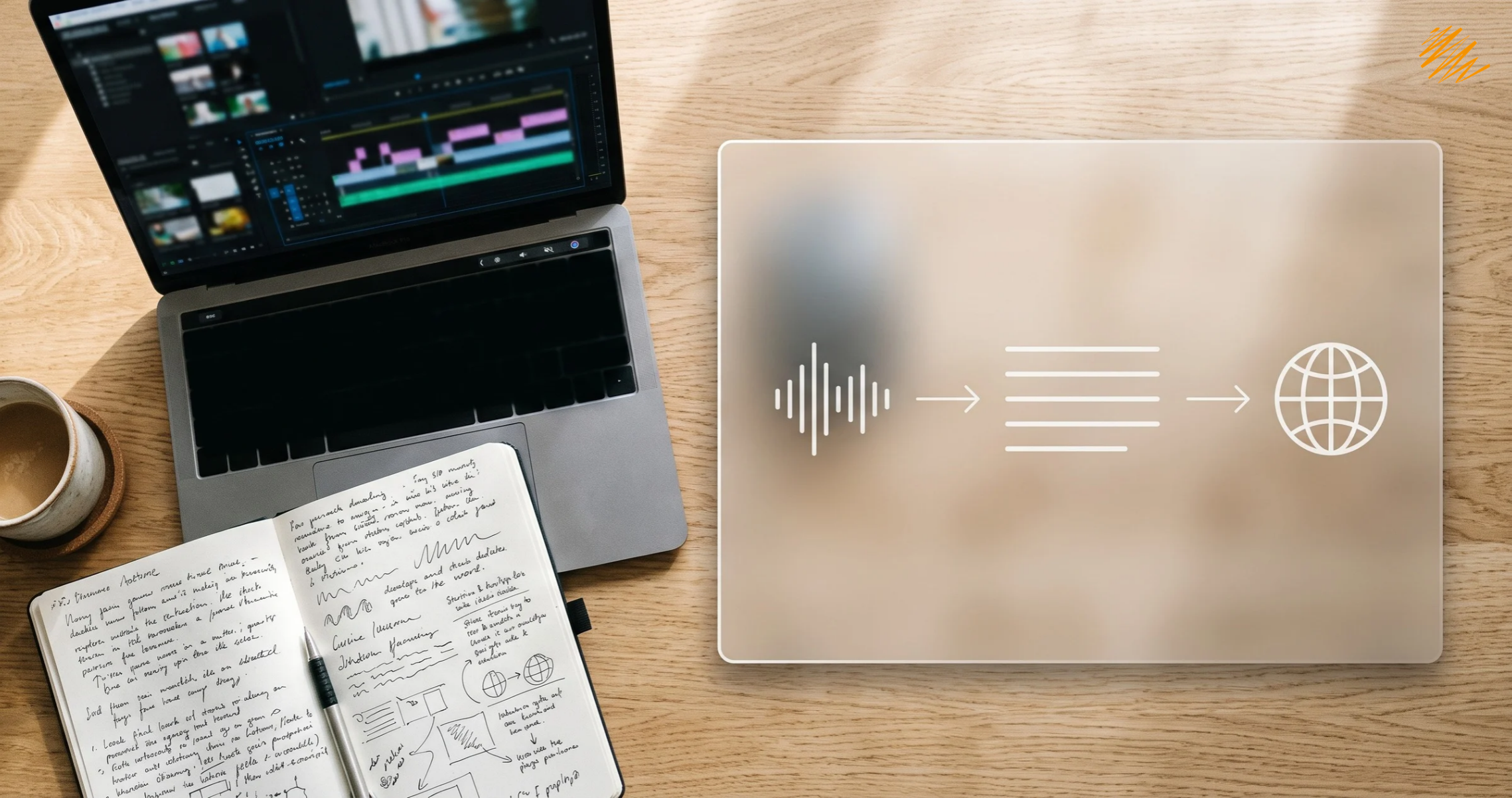
A video feels finished once it is edited. For a multilingual audience, the real work starts there. Multimedia localization turns one recording into versions that work in other languages and cultures.
It depends on three steps done in the right order: transcription, translation, and timed text such as subtitles. This guide explains each step, how they connect, and what to prepare before you ask for a quote.
Multimedia localization starts with an accurate transcript.
What Multimedia Localization Includes
Multimedia localization adapts audio and video content for another language and market. That covers scripts, dialogue, subtitles, and captions. It can also cover graphics and audio that need a local fit. As a result, the work sits between translation and media production.
However, two terms cause confusion. The W3C’s guidance on accessible audio and video describes captions as text that conveys both speech and non-speech sounds. In everyday use, subtitles translate the dialogue for viewers who read another language.
How Transcription, Translation, and Subtitling Work Together
Each step feeds the next. Here is how a typical project flows from source file to finished text.
| Step | What it produces | Why it comes here |
|---|---|---|
| 1. Transcription | Accurate source-language text, often with timestamps and speaker labels | Translators work from text, not from audio |
| 2. Translation and adaptation | A target-language script that keeps tone and cultural meaning | It needs the clean transcript as its source |
| 3. Subtitles and captions | Timed text synced to the video | It needs the final script and the timing from step 1 |
| 4. Review | A native-speaker check against the video | It catches errors that only show in context |
Why the Order Matters in Multimedia Localization
Skipping the transcript is the most common shortcut. However, it also causes the most rework. If a translator works from raw audio, every unclear phrase becomes a guess.
Errors also multiply. A mistake in the source transcript is copied into every language you add. Fixing it once, at the start, usually costs less than fixing it in five subtitle files.
Timing adds another constraint. First, subtitles have limited space on screen, and translated text often runs longer than the original. For that reason, translators shorten and rephrase instead of translating word for word.
A shared glossary helps as well. Product names and key terms should read the same in every script and every subtitle file.
A Multimedia Localization Example: One Training Video, Three Languages
Imagine a ten-minute onboarding video in English. The company needs Spanish, French, and German versions.
First, a transcriber produces a clean English transcript with timestamps. Next, translators adapt the script for each language and keep product names consistent. Then a subtitler fits the text to the timing, and a native reviewer watches each version.
The result is one source transcript and three matching subtitle files. Later, when the video changes, the team updates the transcript once and carries the change into each language. That is the main payoff of working in order.
Who Needs Multimedia Localization Most
Any team that produces repeatable video or audio can benefit. In practice, four groups tend to feel the need first.
Course modules and onboarding videos reach staff in several languages. Captions and transcripts also help learners follow along.
Producers need clean source files and a repeatable process for each new language they add.
Recordings gain a second life as on-demand content once transcripts and subtitles exist.
Transcripts make episodes searchable. Translated transcripts then widen the audience.
Common Multimedia Localization Mistakes
Most problems come from a short list of habits. Watch for these five.
- Translating from audio instead of a transcript. This invites guesses and inconsistent terminology.
- Ignoring text inside the video. On-screen text burned into the footage cannot be changed through a subtitle file.
- Skipping timestamps and speaker labels. Without them, subtitling takes longer and mistakes are harder to spot.
- Reviewing text without watching the video. Timing and line breaks only show up when someone watches.
- Forgetting accessibility. Captions help viewers who are deaf or hard of hearing. Our guide to accessible-by-design localization explains how to plan for it.
What to Prepare Before You Request a Quote
A clear brief saves time on back and forth. Therefore, gather these items first.
With this brief, a provider can scope the work accurately. Our guide to audio and video transcription covers the first step in more detail. You can also read about our multimedia localization and audio transcription services.
Have video or audio that needs to reach new markets?
Our team can help with transcription and multimedia localization, from source files to finished text.
Talk to Our Team