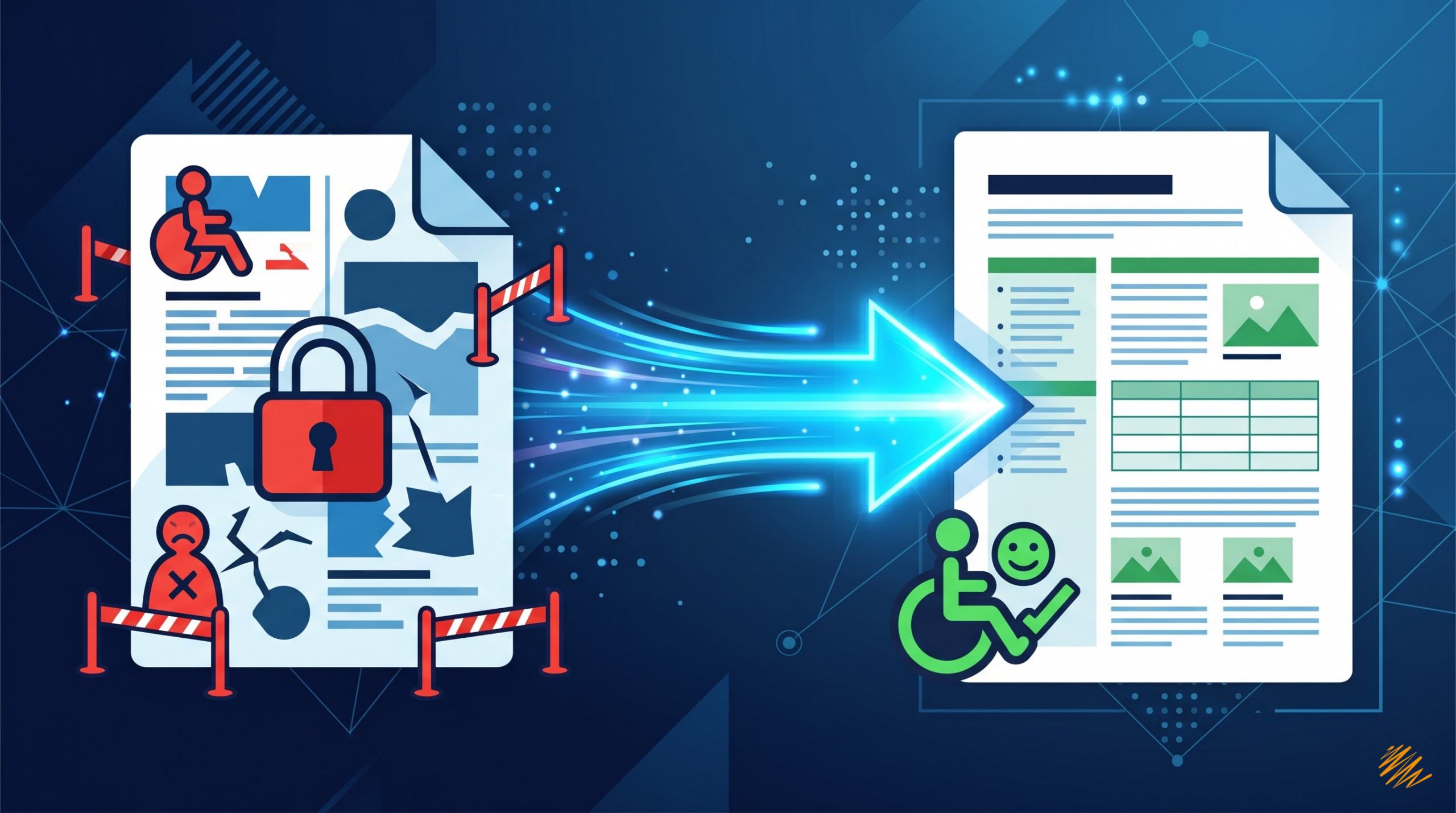
Accessibility isn’t just a technical checkbox — it’s a language in itself. Here’s how professional PDF remediation works, and why getting it right matters for every audience you serve.
PDF accessibility remediation is the process every organization needs — yet few fully understand. Imagine spending weeks crafting a perfectly translated annual report, a multilingual compliance brief, or a localized product manual, only to discover that someone using a screen reader cannot access a single word of it. That gap between a well-translated document and a truly accessible one is, in fact, more common than most organizations realize.
In this guide, we walk you through the exact steps involved in PDF accessibility remediation — taking a document from its raw, often inaccessible state to one that meets WCAG 2.1 and Section 508 standards. Moreover, we explain why each step is more nuanced than it looks, and why language expertise sits at the heart of the process.
1.3B
People living with a disability worldwide
71%
Of users with disabilities will leave an inaccessible site
96%
Of top websites have detectable accessibility failures
“A document isn’t truly translated until every person — regardless of how they read — can access it.”
Why Most PDFs Are Not Accessible by Default
PDFs rank as the most ubiquitous document format in the world — and also one of the most problematic for assistive technologies. When teams export a document from InDesign, Word, or PowerPoint, the resulting PDF typically lacks the underlying structural information that screen readers, braille displays, and other assistive technologies need to interpret it correctly.
Specifically, common issues include missing document tags, untagged images with no alternative text, incorrect reading order, and unmarked tables. Additionally, many documents are scanned images disguised as text — completely opaque to any assistive technology. For multilingual documents that travel through translation memory tools, desktop publishing workflows, and multiple file formats, these issues compound quickly. Consequently, what the team properly tagged in the source language may lose its entire structure during the localization process.

The PDF Accessibility Remediation Process: Step by Step
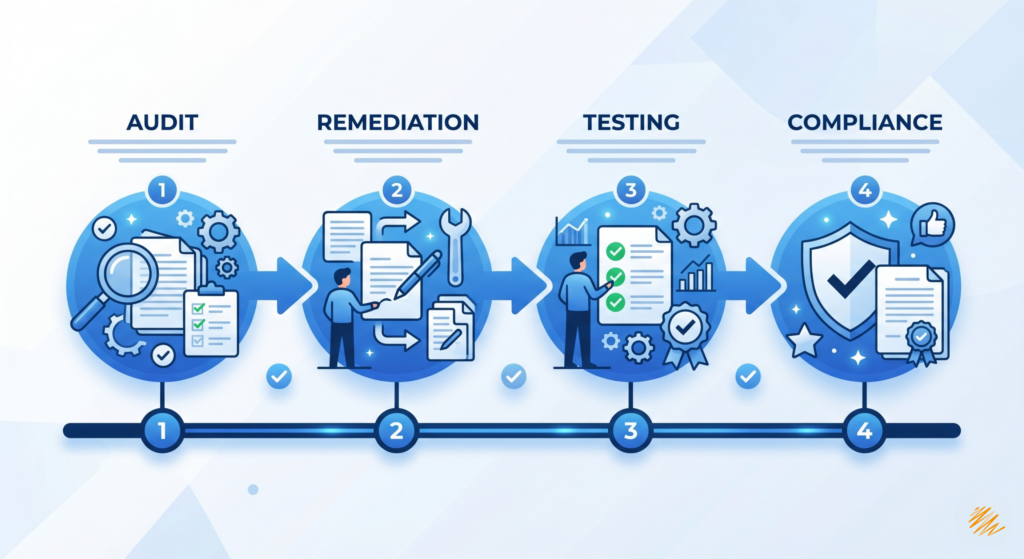
Professional PDF accessibility remediation follows a structured, repeatable workflow. Below is exactly what that process looks like from start to finish.
Phase 1: Assessment and Document Structure
Step 01
Initial Accessibility Audit
First, specialists assess the document against WCAG 2.1 Level AA criteria and PDF/UA (ISO 14289) standards. Using tools like PAC 3 and Adobe Acrobat’s Accessibility Checker — combined with manual assistive technology testing — the team identifies every failure, tagged or hidden. This audit then becomes the remediation roadmap for the entire project.
Step 02
Document Tagging & Logical Structure
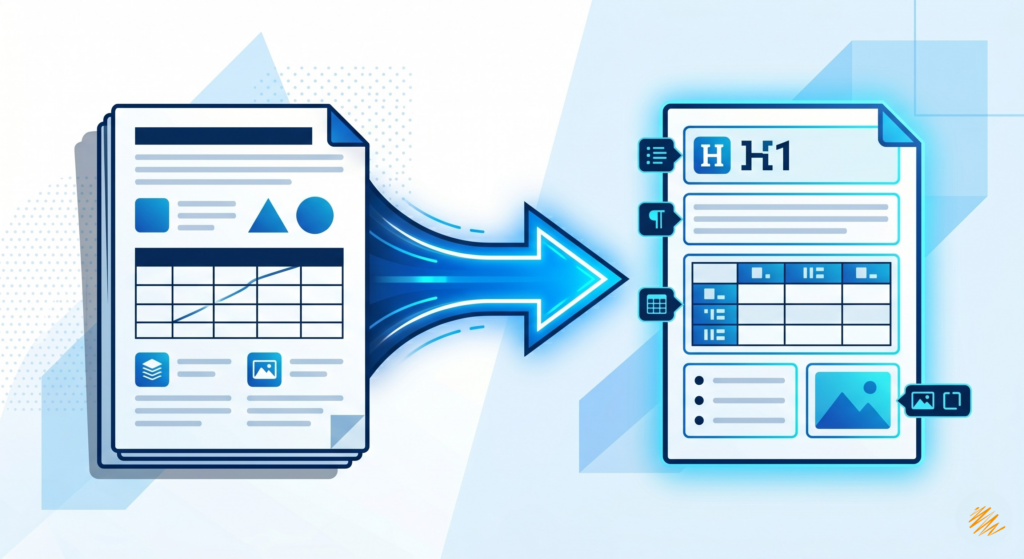
Next, specialists build the invisible skeleton of an accessible PDF through semantic tags. Each element — headings, paragraphs, lists, figures, tables — receives the correct semantic type. Furthermore, proper heading hierarchy (H1, H2, H3) is critical for screen reader users who navigate documents by heading structure. The team manually reviews and corrects every tag wherever export tools fall short.
Step 03
Reading Order Correction
Visual layout and logical reading order are not the same thing. A document with two columns, pull quotes, sidebars, or footnotes requires careful sequencing so assistive technologies read content in the intended order. This step is especially critical in right-to-left languages like Arabic and Hebrew — precisely the area where linguistic expertise and technical knowledge must work together.
Phase 2: Content and Visual Accessibility
Step 04
Alternative Text for Images & Non-Text Content
Every meaningful image, chart, infographic, and diagram needs descriptive alternative text. Decorative images, however, receive an artifact marker so screen readers skip them entirely. Writing effective alt text is fundamentally a writing skill — concise, contextually appropriate, and culturally sensitive. For localized documents, specialists also translate and adapt alt text rather than simply copying it from the source language.
Step 05
Table Remediation
Tables rank among the most complex elements to remediate. They need properly defined header cells, row and column associations, and summary descriptions for complex data structures. Nested tables — common in financial or technical documents — additionally require meticulous restructuring to remain accessible without losing their meaning.
Step 06
Color Contrast & Visual Accessibility Review
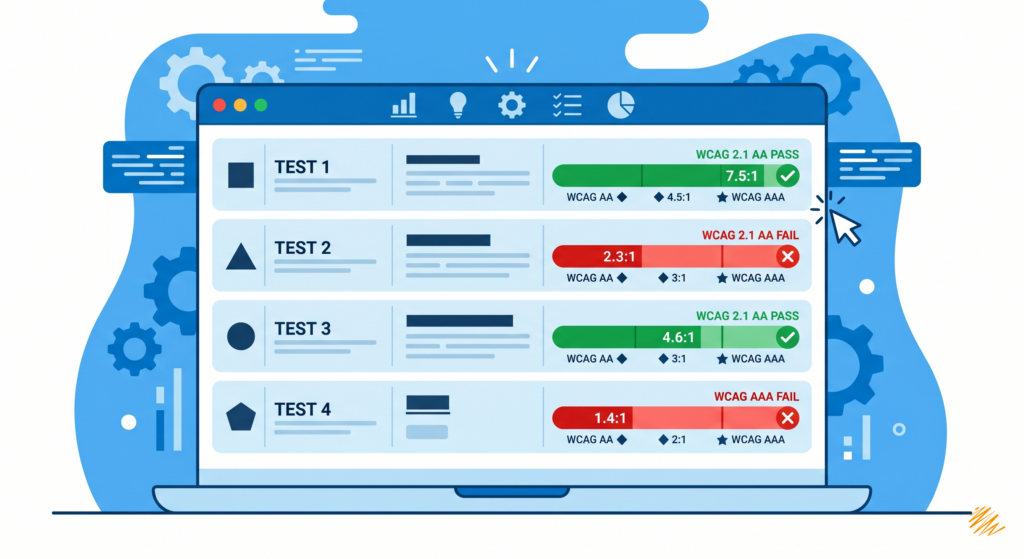
WCAG 2.1 requires a minimum contrast ratio of 4.5:1 for normal text and 3:1 for large text. Beyond contrast, specialists verify that the document never communicates information through color alone — a common failure in charts, status indicators, and form validation messages. Where failures exist, the team provides clear design revision recommendations.
Phase 3: Technical Completion and Compliance Validation
Step 07
Form Field & Interactive Element Accessibility
For PDFs with fillable forms, each field needs a visible label, tooltip text, tab order, and error handling that supports keyboard-only navigation. Required fields must appear clearly indicated. Instructions must use plain language — especially important in multilingual contexts where translated instructions may carry different levels of clarity for different audiences.
Step 08
Language & Metadata Configuration
Specialists set the document’s default language at the document level, then mark language changes inline wherever the text switches — for example, a French legal brief that includes an English quotation. This is precisely where language services expertise becomes technically essential. Only a team fluent in both the languages and the standard can correctly apply language tags across a multilingual document.
Step 09
OCR for Scanned Documents
Documents that teams originally printed and then scanned are effectively images — no selectable text, no tags, nothing a screen reader can process. Optical Character Recognition (OCR) converts the image content into real, searchable text. For multilingual scanned documents, therefore, OCR must run in a language-specific mode to ensure accuracy — particularly for character sets like Cyrillic, Arabic, Chinese, or Japanese.
Step 10
Final Validation & Compliance Testing
Finally, the remediated document undergoes a second full audit — automated checks followed by manual testing with real assistive technologies, including NVDA, JAWS, and VoiceOver. Specialists then generate a compliance report documenting conformance to WCAG 2.1 AA and PDF/UA. For regulated industries, this report also supports legal documentation under Section 508, EN 301 549, or the European Accessibility Act.
The Intersection of Accessibility and Localization
For organizations with multilingual audiences, accessibility and localization are not two separate workstreams — they are deeply intertwined. A document that completes PDF accessibility remediation in English and then moves into Spanish translation must have its accessibility structure re-verified in the target language. In practice, tags don’t always survive the journey through a translation management system. Alt text doesn’t translate itself. Table headers don’t reorder themselves for right-to-left scripts.
Why a Combined Workflow Saves Time and Budget
Organizations that separate translation and accessibility remediation into two independent projects typically pay the price twice — in both cost and time. Specifically, the remediation team must re-learn the document structure that the translation team already processed. As a result, errors multiply at the handoff point, and timelines stretch unnecessarily.
In contrast, a unified approach means the same specialists handle both linguistic accuracy and structural accessibility together. Consequently, every translated version arrives fully compliant — not as an afterthought, but as part of the same quality-controlled workflow.
What this means in practice: When you partner with a language services provider for both translation and PDF accessibility remediation, you eliminate a costly handoff gap. Your translated documents arrive accessible — not as a second step, but as part of the same quality-controlled workflow. That’s the Translationary difference.
What Standards Does a Fully Accessible PDF Meet?
Depending on your industry and geography, PDF accessibility remediation may need to achieve conformance with one or more of the following standards:
- WCAG 2.1 Level AA — the international web content accessibility benchmark, applicable to digital documents
- PDF/UA (ISO 14289) — the universal accessibility standard specifically designed for PDF documents
- Section 508 — U.S. federal requirement for accessible electronic and information technology
- EN 301 549 — the European standard for accessible ICT products and services
- European Accessibility Act (EAA) — in effect June 2025 for many product and service categories across the EU
How Long Does PDF Accessibility Remediation Take?
Timelines depend on document complexity, length, and the severity of existing accessibility failures. For instance, a simple 10-page report with basic formatting may take only a few hours to remediate. A 200-page technical manual with complex tables, embedded graphics, forms, and multilingual content, however, can take several days of expert work.
Investing in accessible document templates and design systems upstream dramatically reduces remediation time for future documents. As a result, organizations that build accessibility into their authoring process save significantly on ongoing remediation costs — and a language services partner helps you build that smarter foundation from the start.
Common Mistakes to Avoid in PDF Accessibility Remediation
- Relying solely on automated checkers — they catch roughly 30% of accessibility issues at best
- Treating accessibility as a final step rather than integrating it into the design and authoring process
- Failing to remediate translated versions of documents separately from the source
- Writing alt text that describes an image visually without conveying its functional meaning in context
- Ignoring language tags in multilingual documents — a critical failure for screen reader users
Making PDF Accessibility Remediation Part of Your Language Strategy
At Translationary, we believe that truly reaching your global audience means reaching all of them. Accessibility is not an accommodation — it is the standard. Moreover, for organizations communicating across languages and markets, PDF accessibility remediation requires the kind of nuanced, expert attention that only a language services team can provide.
Whether you run a legal firm distributing multilingual client documents, a healthcare provider offering patient information in multiple languages, a government agency serving diverse populations, or a multinational corporation publishing accessible corporate communications — the path to fully accessible PDFs starts with a clear process and the right partner.
Ready to make your documents accessible to everyone?
Talk to our PDF accessibility remediation and localization specialists — in any language, at any scale.
Get in touch →