
In 2025, plaintiffs filed 3,117 website accessibility lawsuits in U.S. federal court — a 27% jump from the year before, and the highest total in three years. Add in state court filings, and the total climbs past 5,000. Nearly half of those cases targeted a repeat defendant — a company already sued once before for the same kind of problem.
Most of that litigation traces back to something quietly unglamorous: a PDF without proper tags, a form with no field labels, a document that a screen reader simply can’t parse correctly. The cost of inaccessible documents rarely shows up as one dramatic failure. It shows up as a slow accumulation of legal exposure, lost readers, and rework — most of it avoidable at a fraction of the eventual cost. We found a similar pattern when we looked at the real cost of poor localization. Understanding where that cost actually comes from is the first step toward keeping it small.
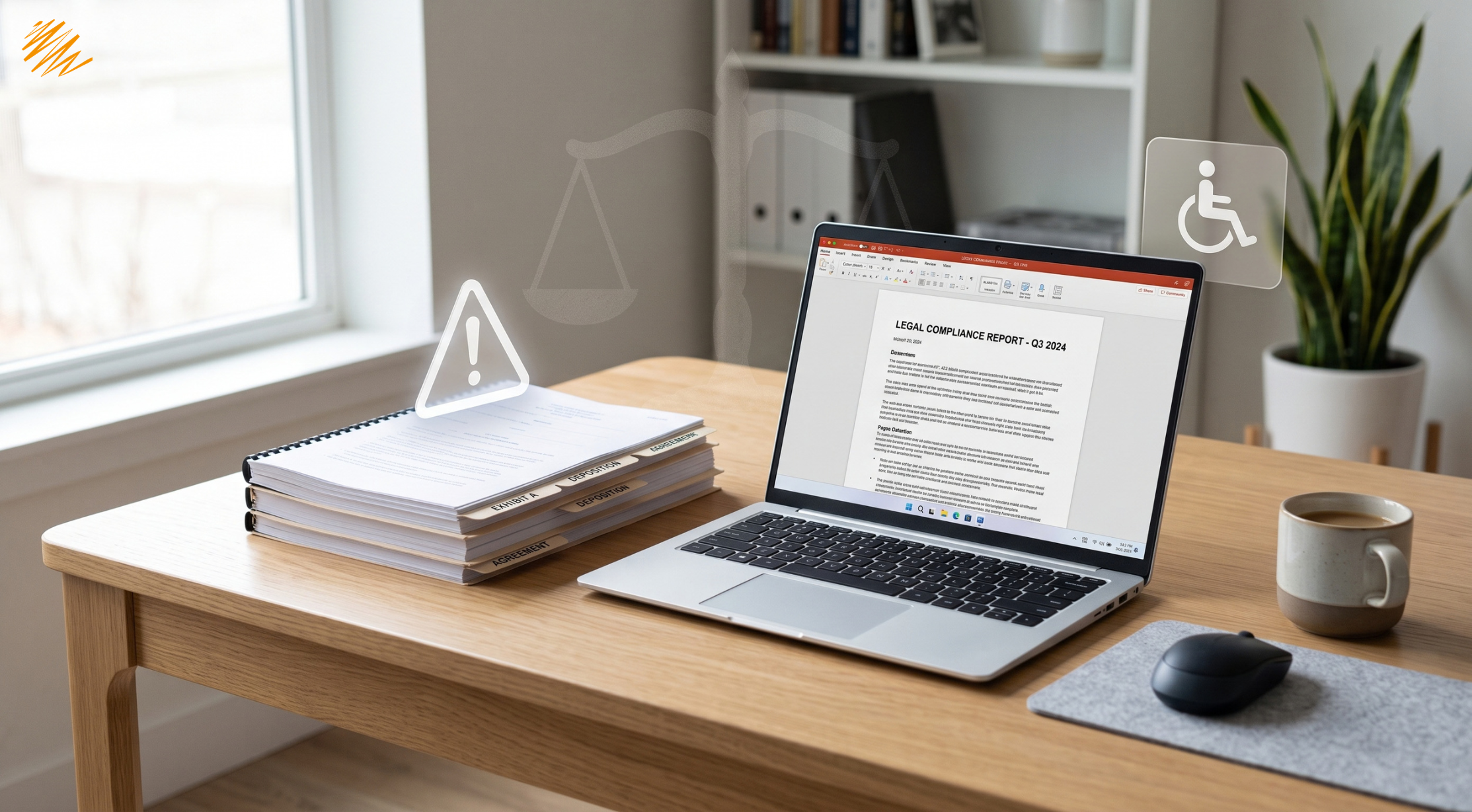
The Legal Cost Is Rising, and It’s Not Just Large Companies
Web and document accessibility litigation has more than tripled since 2017, according to Seyfarth Shaw’s annual tracking of ADA Title III filings. Website accessibility cases alone made up 36% of all federal ADA Title III lawsuits in 2025, up from 28% the year before. The businesses named in these suits aren’t limited to national retailers. Small and mid-sized companies make up the majority of defendants, and the pattern is spreading well beyond retail into healthcare, financial services, and hospitality.
A single inaccessible PDF policy document, benefits form, or annual report can be enough to trigger a claim. Courts increasingly look to WCAG as the practical benchmark for compliance, regardless of whether a specific law names it directly. That means the same accessibility standard applying to a website applies to the documents that website links out to.
Why Waiting Makes the Cost of Inaccessible Documents Go Up, Not Down
Quality management has a well-known rule of thumb: catching a defect during creation costs far less than catching it during review. Catching it after release costs far more than either. Document accessibility follows the same pattern almost exactly. Building a document with proper heading structure and alt text from the start costs a few extra minutes per document. Retrofitting that same structure into a thousand PDFs already published across a website, an intranet, and a partner portal costs a specialized remediation project, often billed by the page.
The gap widens further once teams copy, link, and embed a document in other places. A single inaccessible PDF uploaded once might take an hour to fix. That same PDF might now sit linked from a dozen web pages, embedded in an email template, and archived in a document management system. Someone has to check and potentially update every one of those instances — and nobody may have a complete list of everywhere the file lives. The cost of inaccessible documents compounds quietly in exactly this way, multiplying with every place someone reuses a bad file before anyone notices the problem.
The most expensive version of this cost isn’t remediation at all — it’s litigation. Litigation arrives with legal fees, settlement costs, and remediation obligations bundled together, usually on a court-ordered timeline that leaves no room for a phased rollout. A document that would have cost a few dollars to build correctly the first time can end up costing thousands once someone files a claim against it.
The Reputational Cost Nobody Tracks on a Spreadsheet
Legal risk is easy to measure because it shows up in a courtroom. A quieter cost never makes it onto any tracker at all: the readers who simply give up. Someone who can’t open a benefits form, can’t complete an application, or can’t read a policy document doesn’t usually file a complaint. They call support instead, or they abandon the process entirely and assume the organization simply doesn’t want their business. Nobody logs either outcome as an accessibility failure, even though that’s exactly what it was.
For organizations serving the public — government agencies, healthcare providers, financial institutions — this gap matters even more. The documents in question are often ones people must interact with by law, not optional marketing material they can simply skip. An inaccessible required document doesn’t just cost a lost reader. It blocks someone from a service they’re entitled to, which carries a reputational weight no settlement figure fully captures.
Beyond Legal Risk: Who Actually Gets Left Out
Legal exposure is the cost that shows up on a spreadsheet, but it’s not the only one. An inaccessible document simply fails a meaningful share of its intended audience. A screen reader user hitting an untagged PDF gets a wall of unordered text, or nothing readable at all. Someone with low vision relying on zoom or high-contrast display settings hits a document someone exported as a flat image, with no real text underneath to enlarge or restyle. A user with a motor impairment navigating by keyboard alone hits a form with no logical tab order, unable to complete it at all.
We covered the deeper overlap between accessibility and multilingual content in an earlier post on accessible localization. The same structural problems that break a document for a screen reader user often break it for a translator too, since both depend on content that’s cleanly structured rather than baked into a fixed visual layout. Fixing one tends to make the other easier by default.
Cognitive and learning disabilities add another dimension that accessibility conversations often overlook entirely, since those conversations focus mainly on screen readers. Dense, unbroken blocks of text without clear headings or visual structure can make a document genuinely difficult to process for someone with dyslexia or an attention-related condition. That’s true independent of whether the person uses any assistive technology at all. The same structural fixes that help a screen reader — clear headings, logical order, consistent formatting — also make a document easier for every reader to scan and understand. That’s part of why accessibility work tends to improve a document’s usability across the board, rather than serving one narrow group in isolation.
What “Accessible” Actually Requires for a Document
A genuinely accessible document needs several specific things working together, not just one fix:
A Practical Starting Point for Reducing the Cost of Inaccessible Documents
Most organizations don’t need to remediate every document they’ve ever published at once. Trying to do so usually stalls the whole effort before it starts. A reasonable starting point is auditing the documents with the highest traffic or the highest legal sensitivity first — policy documents, forms, and anything linked from a homepage or navigation menu. Build the five requirements above into every new document going forward, so the backlog stops growing. Meanwhile, work through older files in order of actual risk. A simple triage system, even a basic spreadsheet ranking documents by traffic and sensitivity, gives a team a defensible starting point instead of guessing where to begin.
The upfront cost of doing this properly is consistently smaller than the alternative. A document built correctly the first time costs a small amount of extra care. The same document remediated after the fact costs a specialized project. The same document remediated after a legal claim costs both of those, plus everything litigation adds on top. Measured this way, the cost of inaccessible documents isn’t really a cost at all until someone decides to wait — at which point it becomes one quickly.
Not sure how many of your published documents would actually pass an accessibility check?
We can audit your highest-traffic documents and tell you exactly where the risk sits.
Request a Document Audit